Your first steps as a captain
Three quick steps and you're ready to run a group.
Open this in the app →-
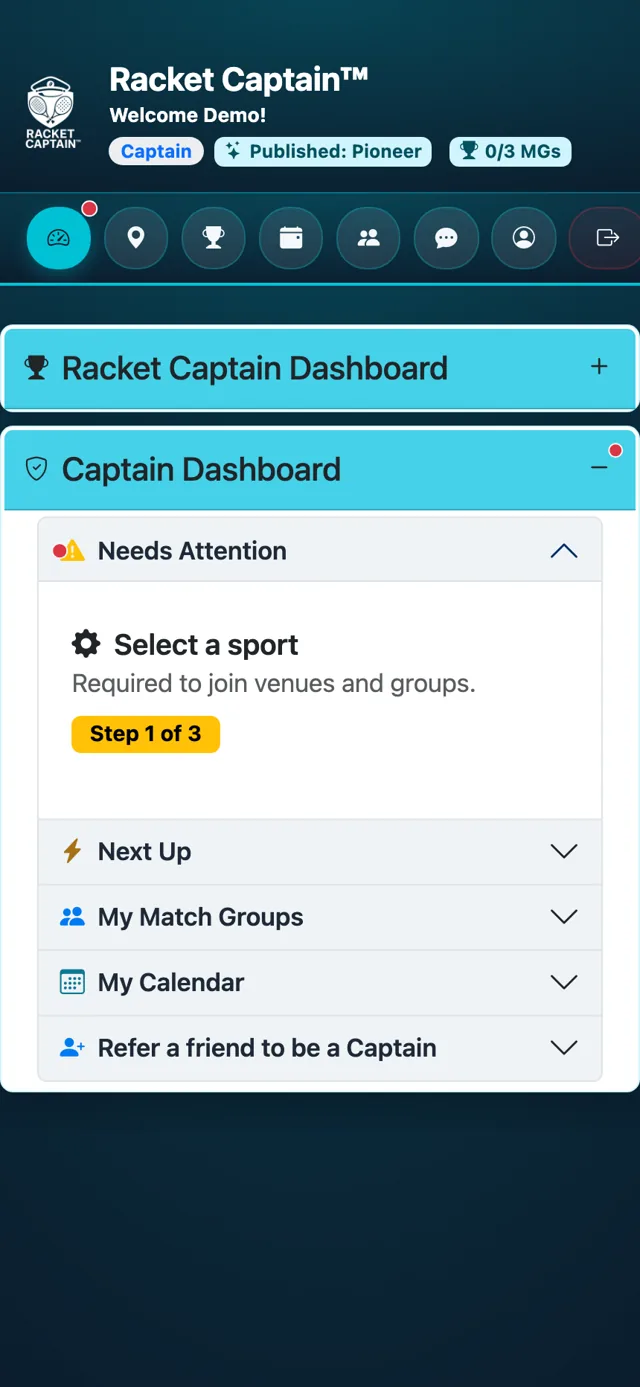
Step 1. Open your dashboard. Needs Attention shows your next setup step, one at a time. First: Select a sport — required to join venues and groups (Step 1 of 3). Tap it to go straight there.
-
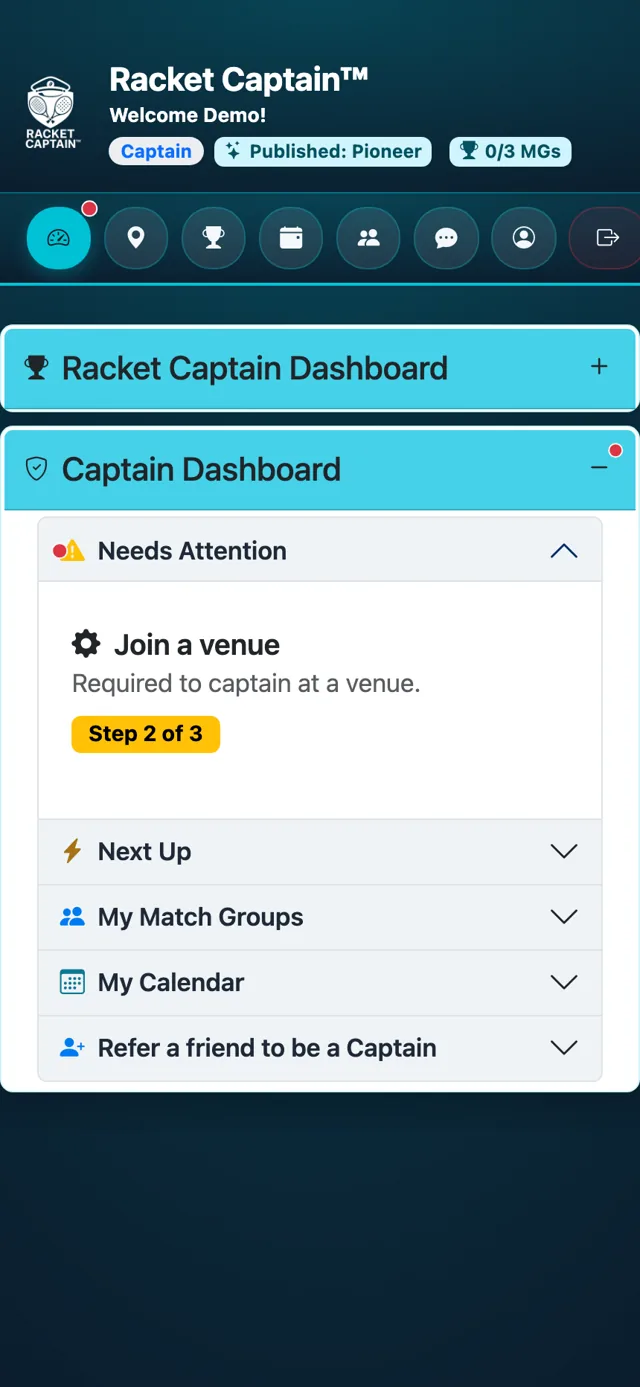
Step 2. Next: Join a venue — required to captain there (Step 2 of 3). Not listed? Recommend it — see Find or recommend your venue.
-
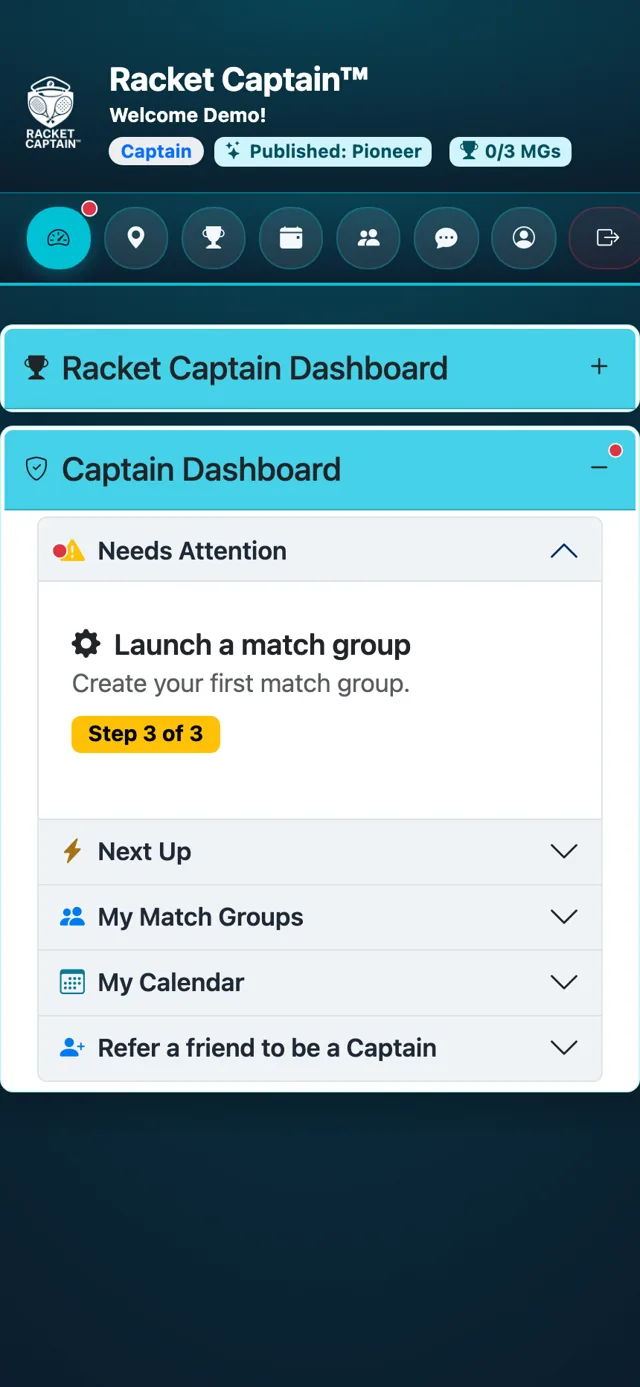
Step 3. Last: Launch a match group — create your first group (Step 3 of 3). See Setting up a Match Group for every section.
Good to know
- Once setup is done, your Captain Dashboard shows what needs you — see Your captain dashboard.
