Invite & Share
Share your group's invite link or QR code so players can join.
Open this in the app →-
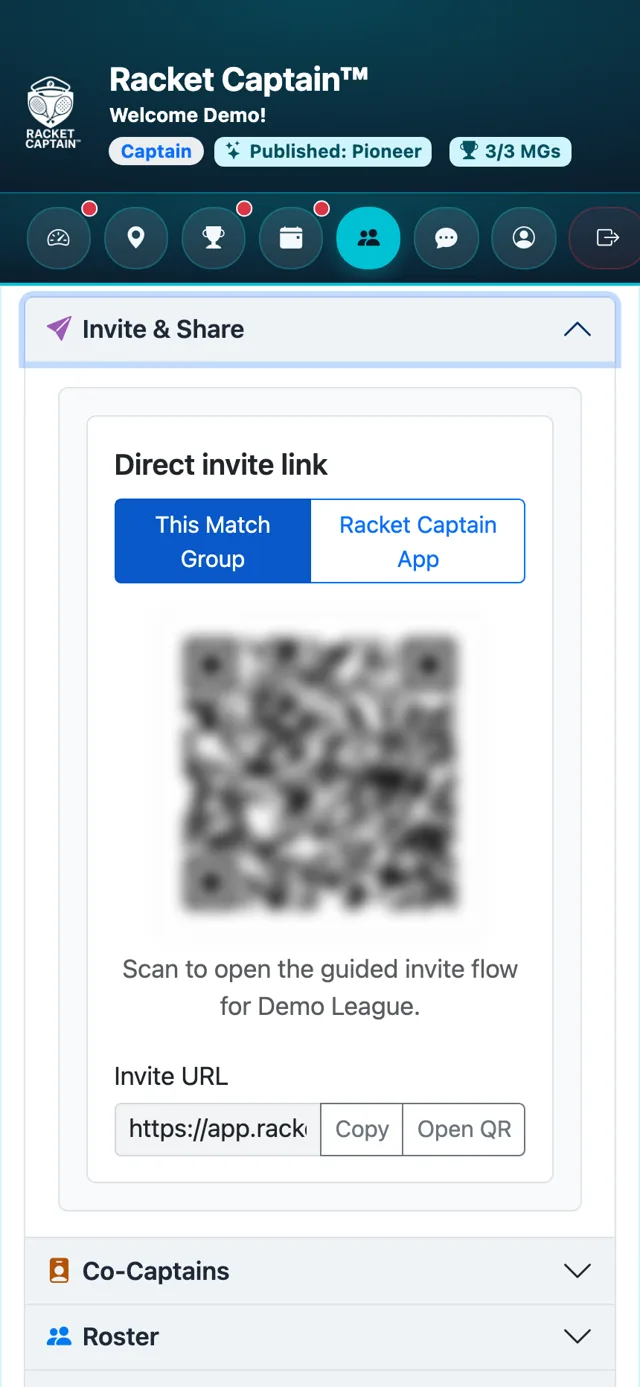
Step 1. Open Invite & Share. Choose This Match Group for a link straight to your group, or Racket Captain App for the app download.
-
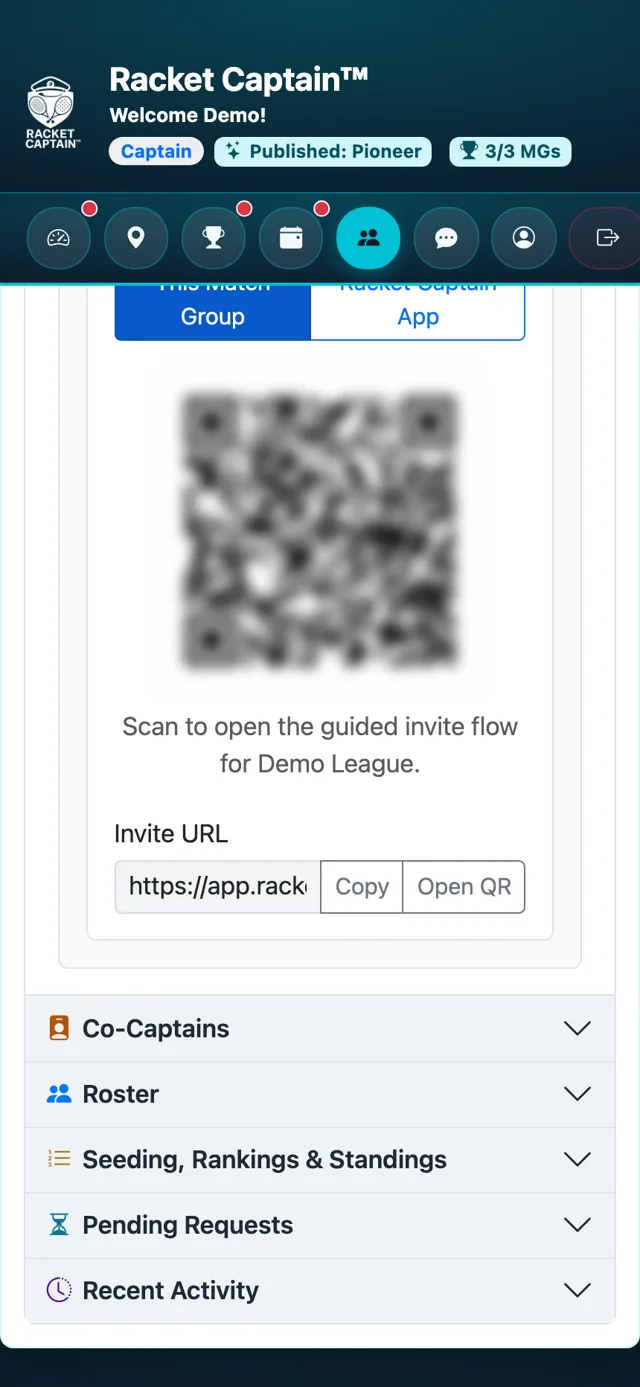
Step 2. Tap Copy to copy the Invite URL, Open QR to show a big QR code for people nearby, or Share invite to send it from your phone.
Fields in this section
| Field | What it means |
|---|---|
| This Match Group | The QR and link open the guided invite flow for your group. |
| Racket Captain App | The QR and link take people to download the app on iPhone or Android. |
| Copy / Open QR / Share invite | Copy the link, show a large QR code, or share through your phone's share sheet. |
Good to know
- Players who open the invite link while signed in go straight to your group — see the player guide Join your team.
- The QR code works well printed on a flyer at the courts.
