Open your Team's Toolbox
The Teams page is where you run your roster — pick a group to open its toolbox.
Open this in the app →-
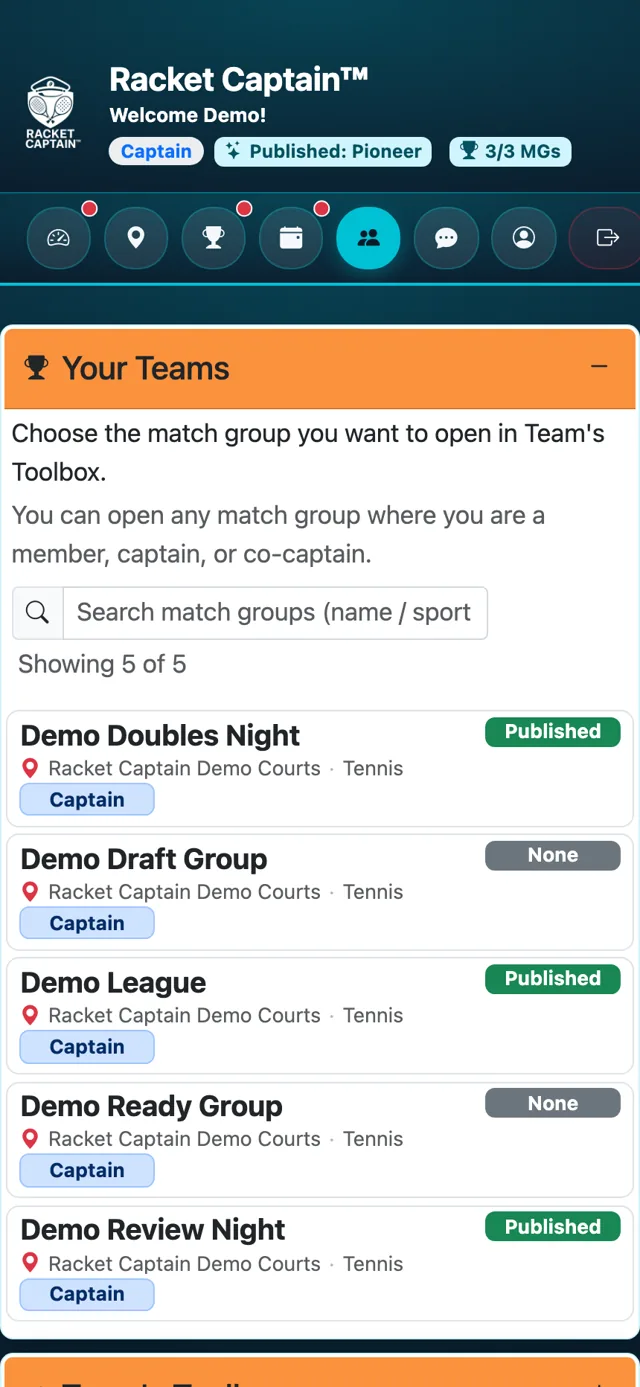
Step 1. Tap Teams. Your Teams lists every match group where you're a member, captain or co-captain.
-
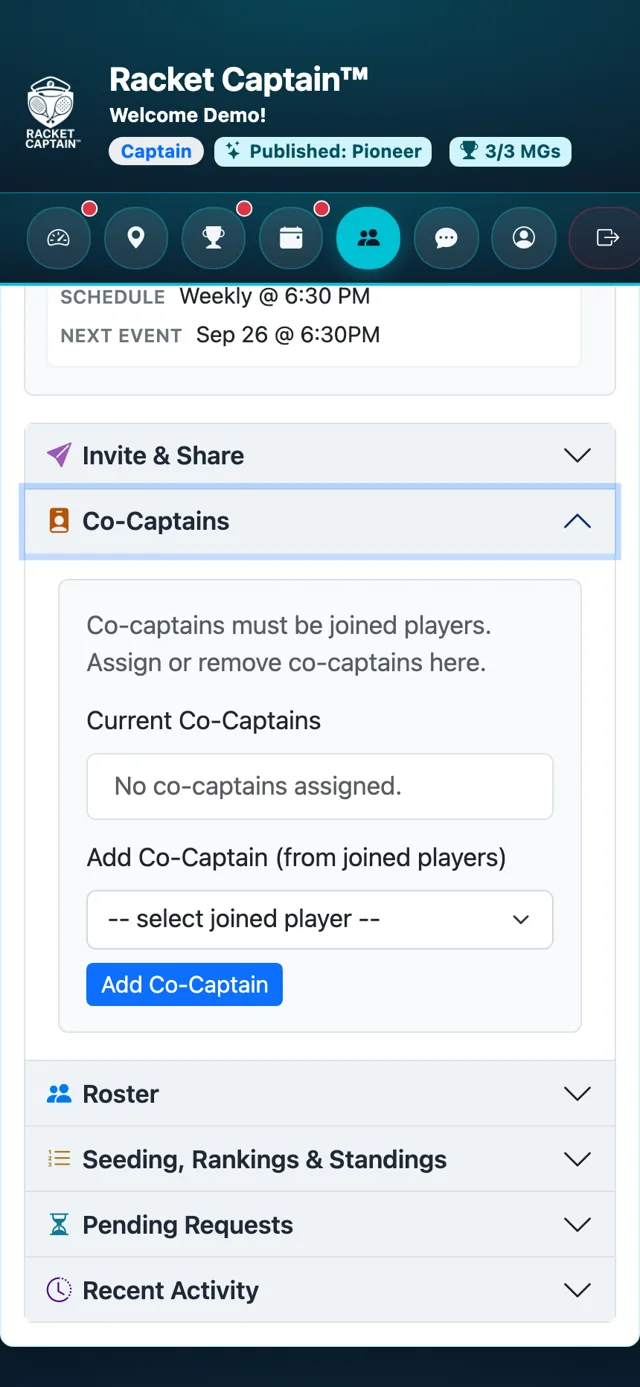
Step 2. Tap a group's name. Team's Toolbox opens with a summary on top — membership, roster size, series status and the next event — and the tool sections below.
Fields in this section
| Field | What it means |
|---|---|
| Your Teams | Your groups, with a search box. It only appears when you're in more than one group. |
| Team summary | Membership (Auto or Manual), Roster (Open or Controlled), captain, co-captain and roster size. |
| Series summary | Status, events completed, schedule and next event. |
Good to know
- Co-captains see and use the same toolbox as the captain.
- Players see only the summary and the roster, read-only.
