Pending Requests
Approve or reject players who asked to join.
Open this in the app →-
Step 1. Open Pending Requests — the badge shows how many are waiting. Tap Approve to let a player in, or Reject.
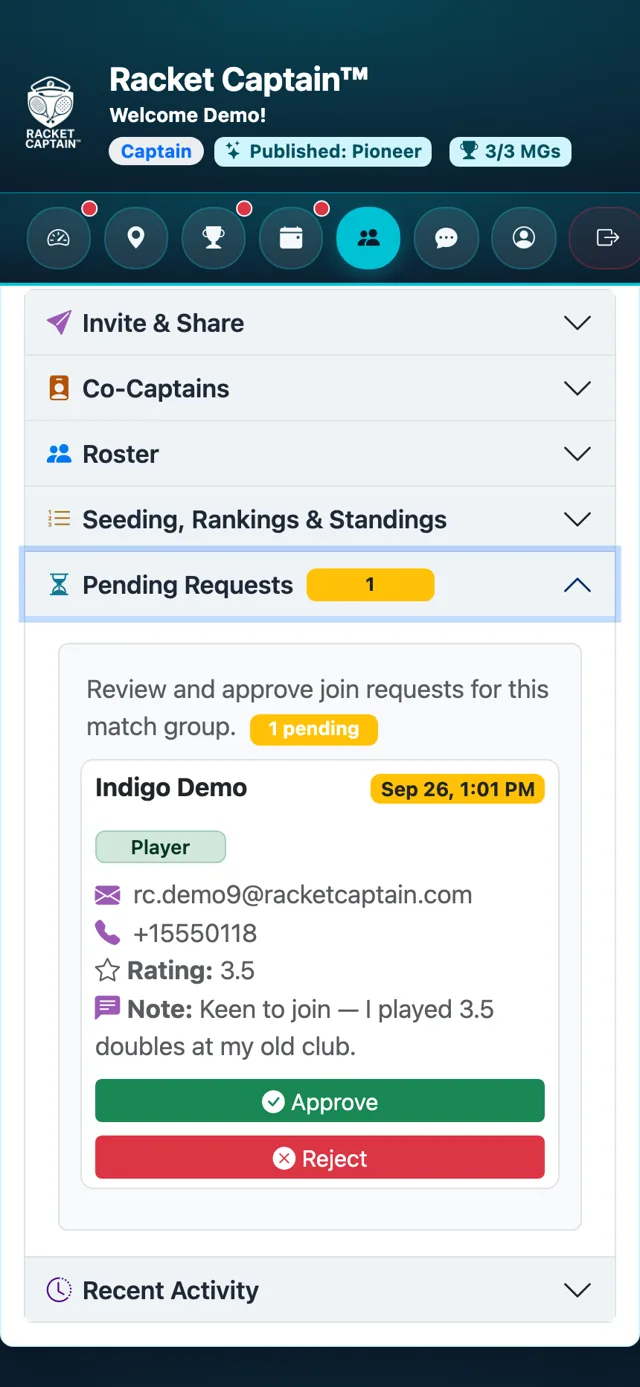
Fields in this section
| Field | What it means |
|---|---|
| Role | Whether they asked to join as a Player or a Substitute. |
| Note | Anything the player wrote with their request. |
| Reject | Asks you to confirm, then lets you add an optional reason — it's sent to the player exactly as you write it. |
Good to know
- Requests only appear when your group's Enrollment Mode is Manual — see Basic Information.
