Your first steps as a venue representative
Four steps take your venue from a new account to verified and live — your dashboard shows one at a time.
Open this in the app →-
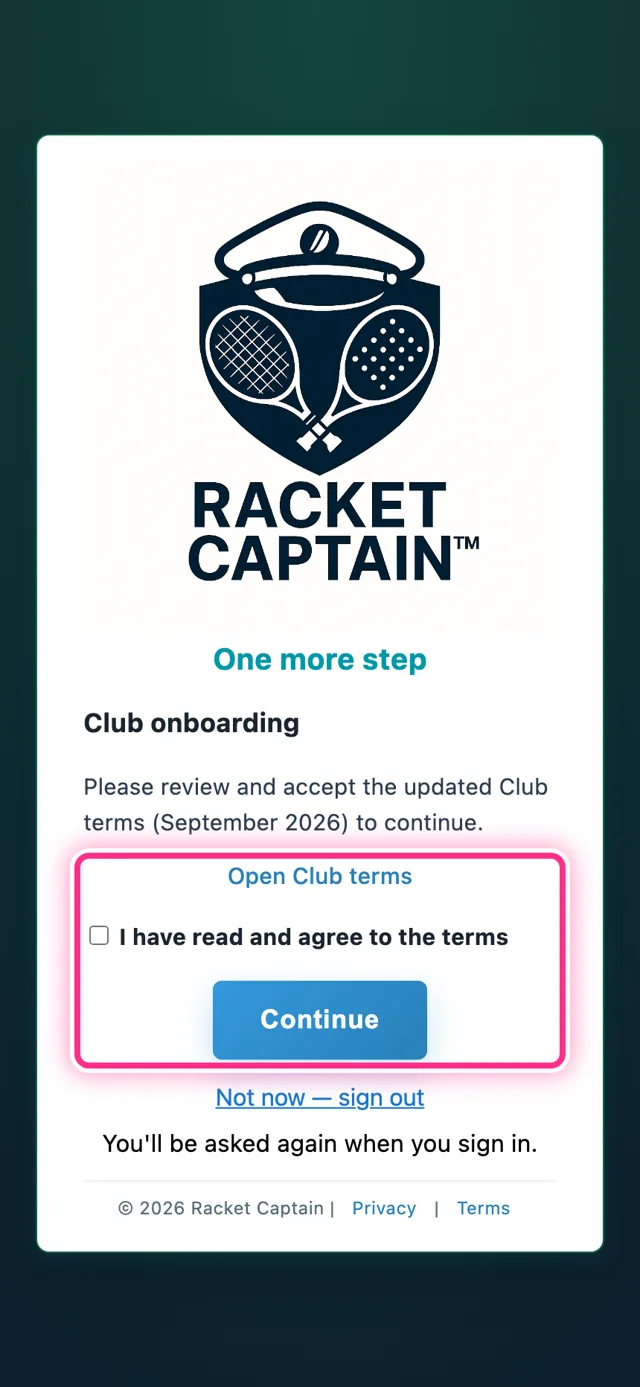
Step 1. The first time you sign in, Club onboarding asks for one thing: tap Open Club terms, read them, tick I have read and agree to the terms and tap Continue. That's step 1 of 4.
-
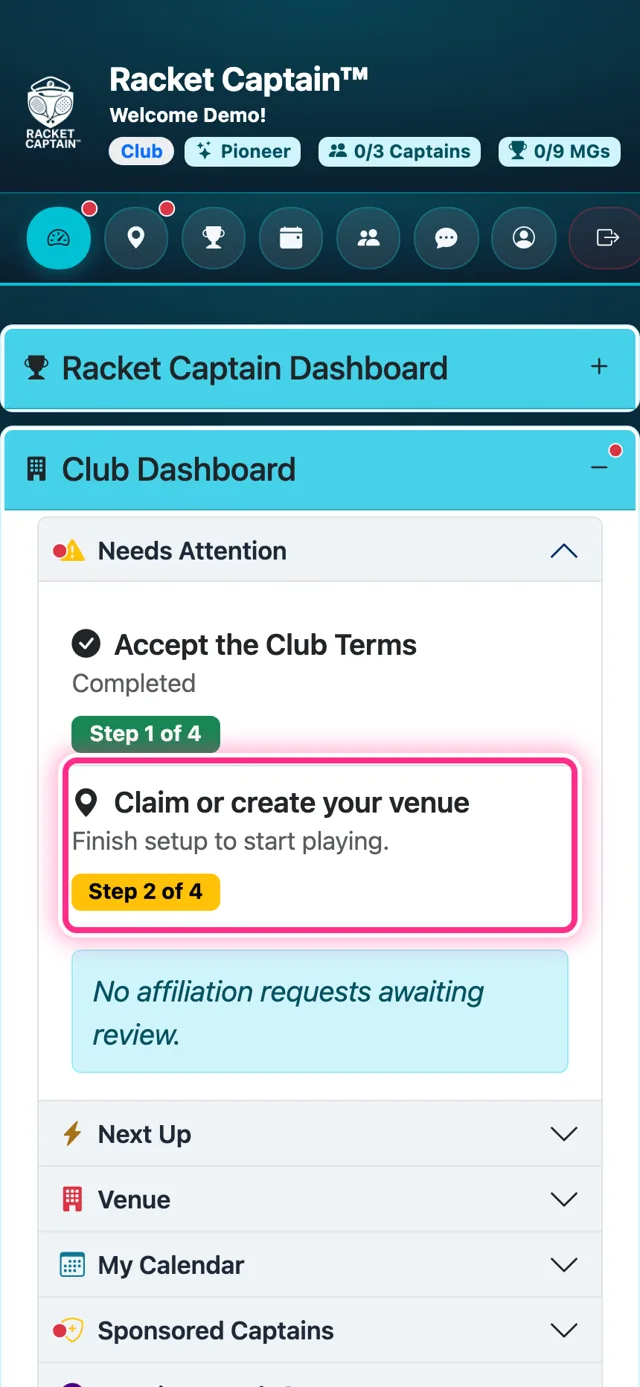
Step 2. Next: Claim or create your venue (2 of 4). Already listed? Claim it. Not listed? Create it. For both, see Claim your venue.
-
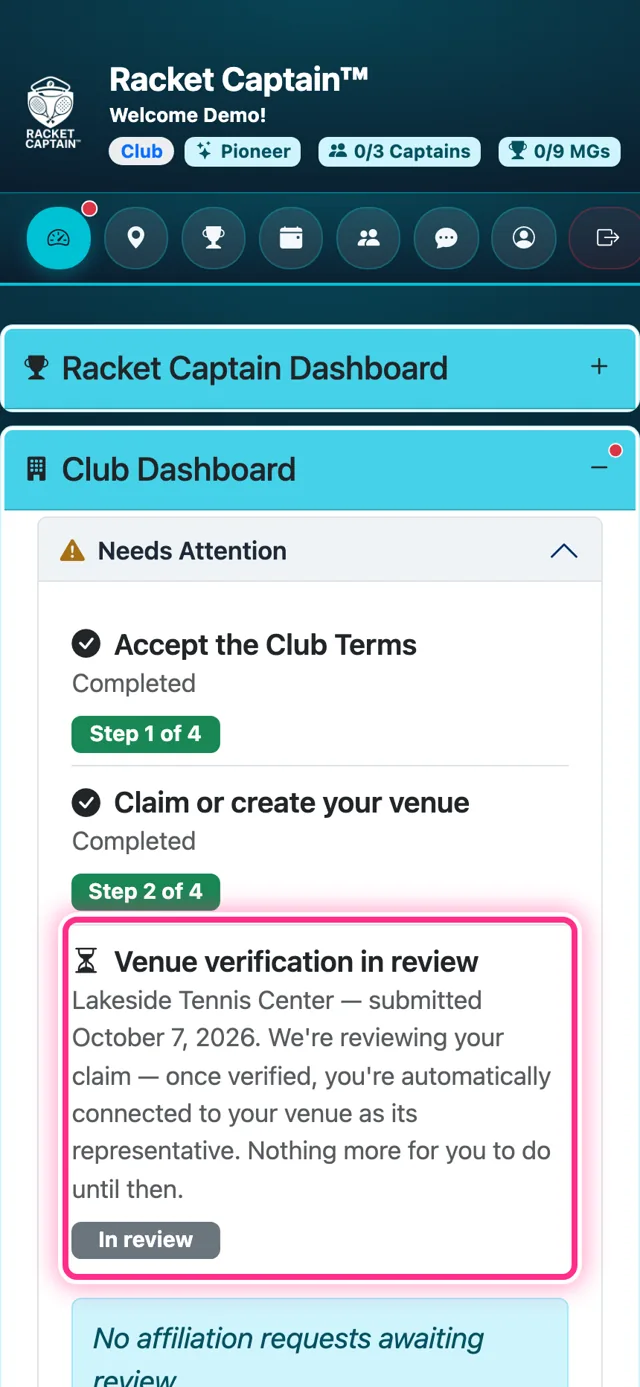
Step 3. While we check your claim, the step reads Venue verification in review with an In review badge. Nothing to do — you'll get an email the moment it's done.
-
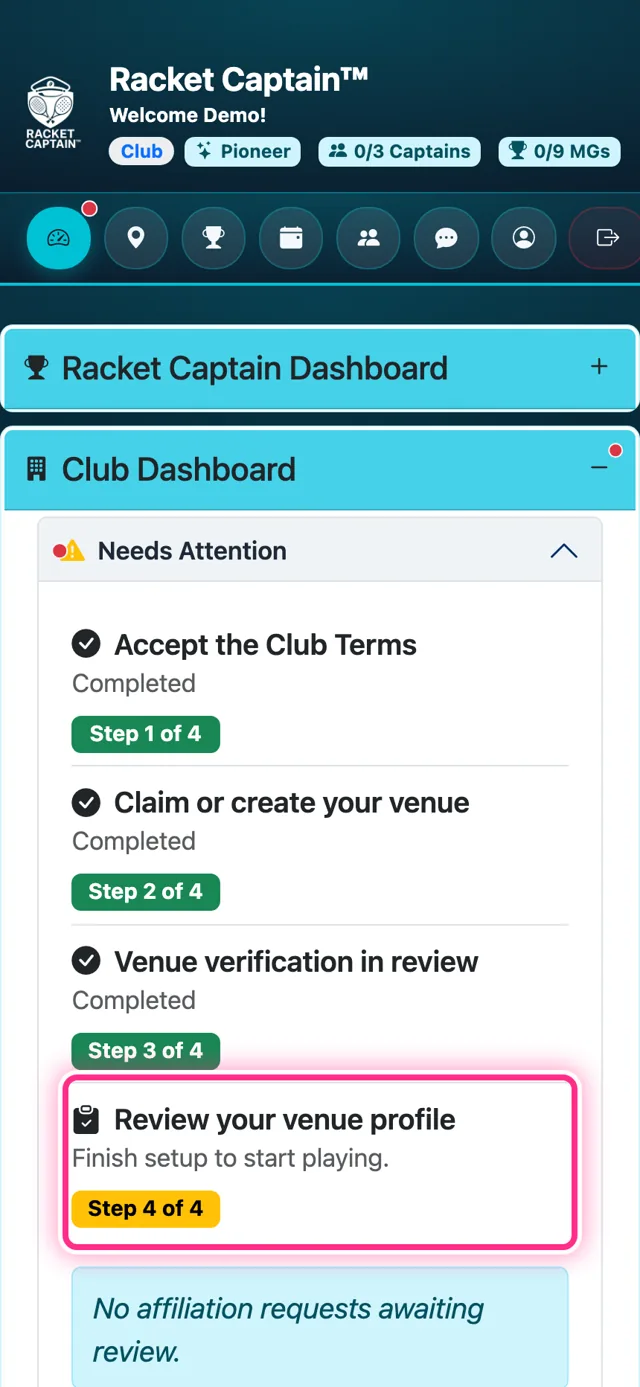
Step 4. Last: Review your venue profile (4 of 4). Check what players will see and save it — see Your venue profile.
Good to know
- The app calls this a Club account. It's for whoever represents the venue — a private club, a public park, a school or an HOA. Any courts, anywhere.
- Venue accounts are set up together with the Racket Captain team — write to support@racketcaptain.com to get started.
- An account represents one venue at a time, under the venue's official name — there's nothing to type.
- Some accounts also see Choose your Club plan before the last step.
- The verification wait blocks nothing: captains and players can already use your venue.