Venue chat
Reach every member at your venue in one place.
Open this in the app →-
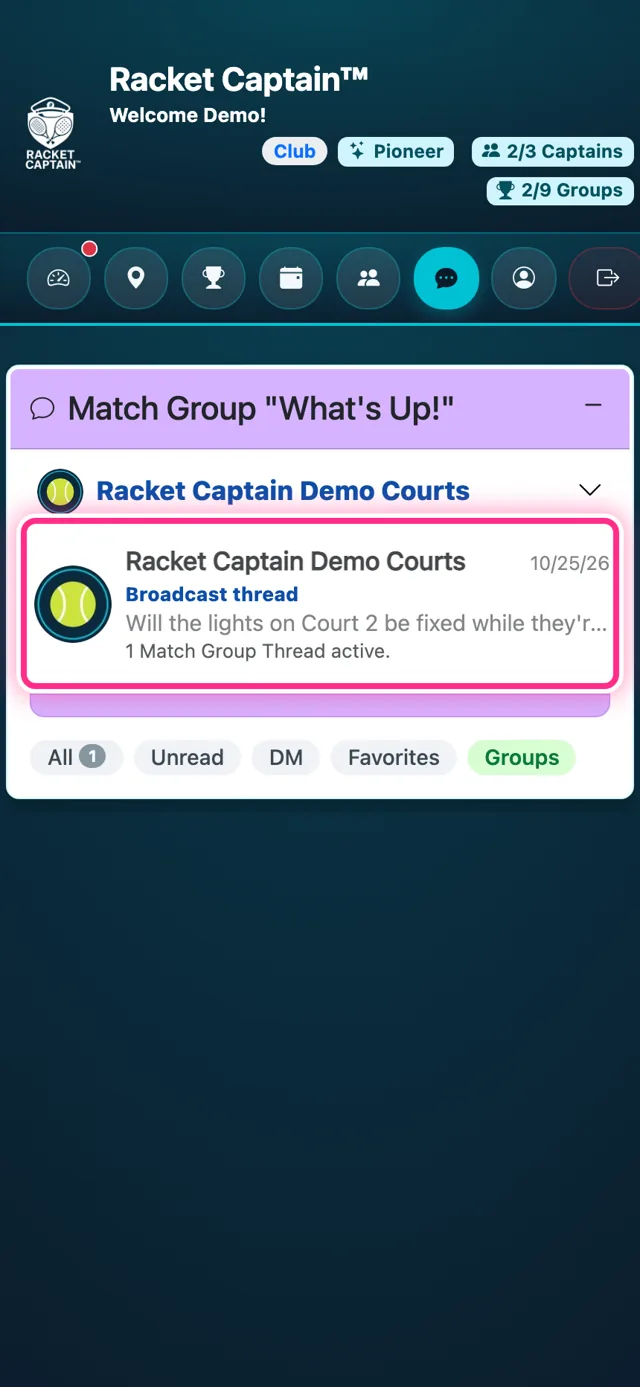
Step 1. Tap Messages. Your venue's own chat is pinned at the top of the list, under your venue's name and logo. Tap it to show the Broadcast thread — that's the venue broadcast.
-
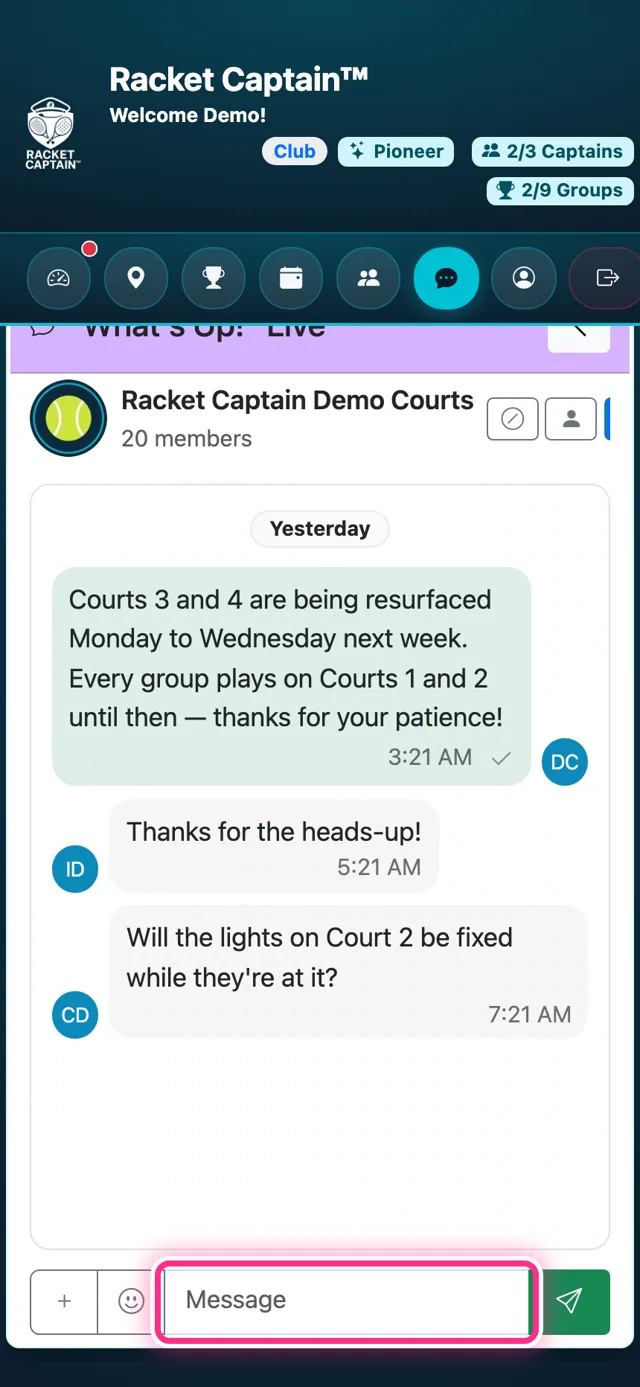
Step 2. Open it. Everyone who plays at your venue is in it — every group's players and captains, and members who haven't joined a group yet. It starts as a one-way announcement: the three buttons at the top choose who may reply — nobody, captains only, or everyone. Type in Message and tap send.
-
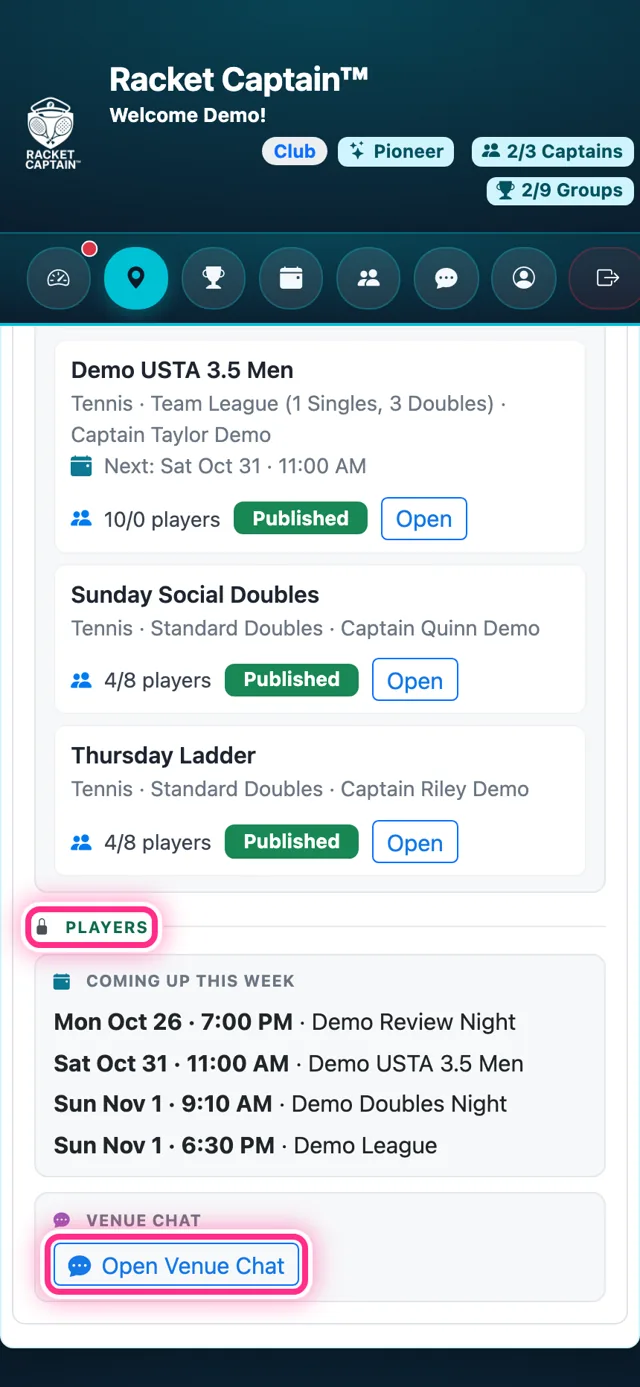
Step 3. Players find the same chat on your venue card, under Venue chat → Open Venue Chat — so new members know where to look.
Good to know
- Your venue logo is the chat's avatar — set it in My Venue.
- The chat opens once your venue is verified and at least one group is running there.
- Players also reach it from your venue card: Open Venue Chat.
- Chats are for the moment: older messages are cleared automatically. Put anything that must last in an email.