Lead your group chat
Your group's chat — and the extra controls you have as captain.
Open this in the app →-
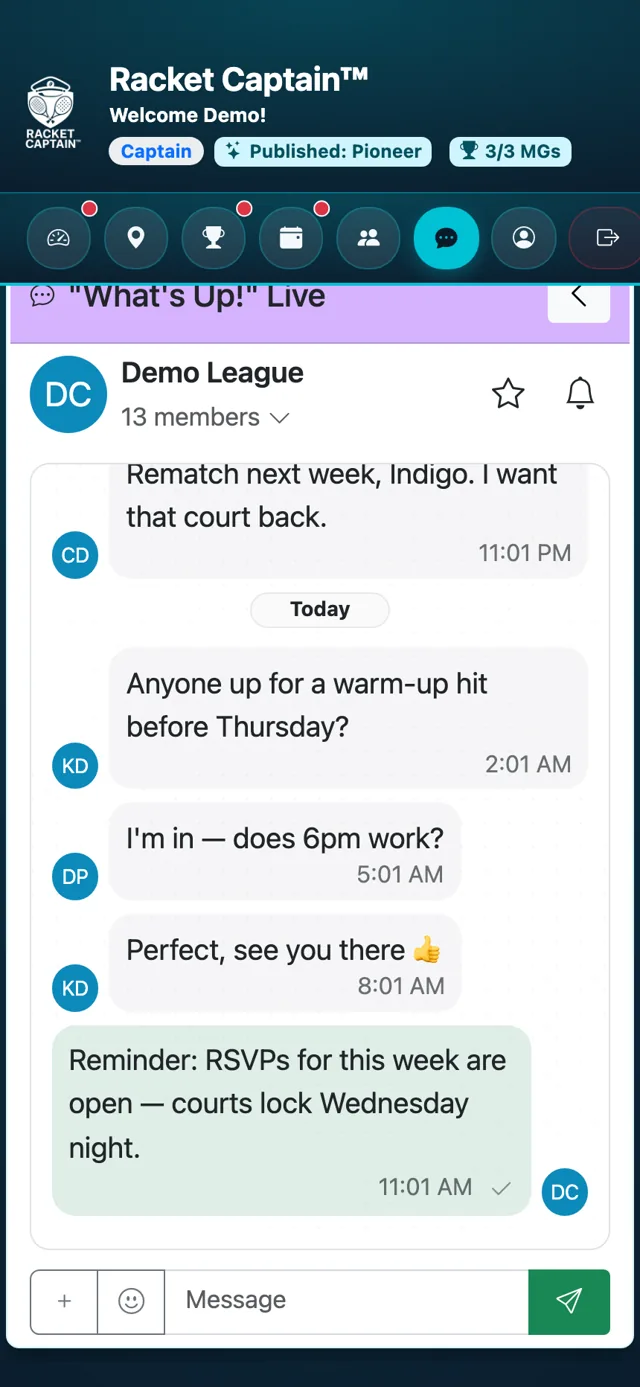
Step 1. Tap Messages, choose Groups and open your group. Everyone in the group is in this chat.
-
Step 2. As captain you can Remove message on anyone's message, and Close poll or Reopen any poll. Anyone in the group can start a poll with New poll.
Fields in this section
| Field | What it means |
|---|---|
| Remove message | Takes a message down — others see it was removed by a moderator. |
| New poll | Anyone can post a Vote or Sign Up poll. |
| Message group | On the RSVP card — jumps straight to this chat. |
Good to know
- Turn the chat on or off in Communications & Notifications — turning it off deletes its history.
