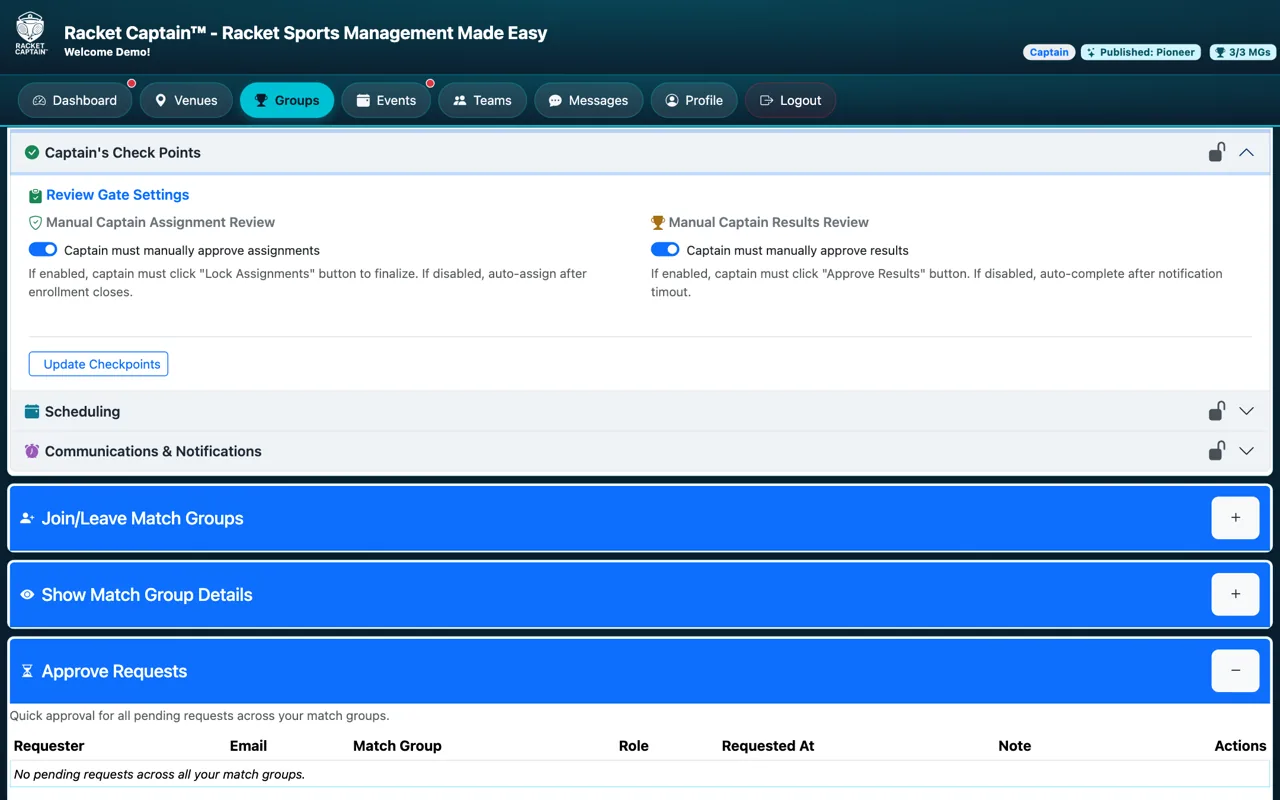
Captain's Check Points
Take a moment here — this choice shapes every event in your series.
Decide whether you approve lineups and results yourself, or let them run automatically.
Open this in the app →-
Step 1. Open Captain's Check Points. Choose the two switches, then tap Update Checkpoints.
Fields in this section
| Field | What it means |
|---|---|
| Captain must manually approve assignments | On: you tap Lock Assignments to finalize the lineup. Off: the lineup is set automatically after enrollment closes. |
| Captain must manually approve results | On: you tap Approve Results. Off: results complete automatically after the notification timeout. |
Good to know
- Turn both off for a hands-off group; turn them on when you want a final look first.
- You can change these while the series is paused.
