Court Assignment
Optional: name the real courts each group plays on.
Open this in the app →-
Step 1. Open Court Assignment. Switch on Assign groups to courts? to give each group a real court, or leave it off to show Group 1, Group 2 and so on. Tap Update Court Assignment.
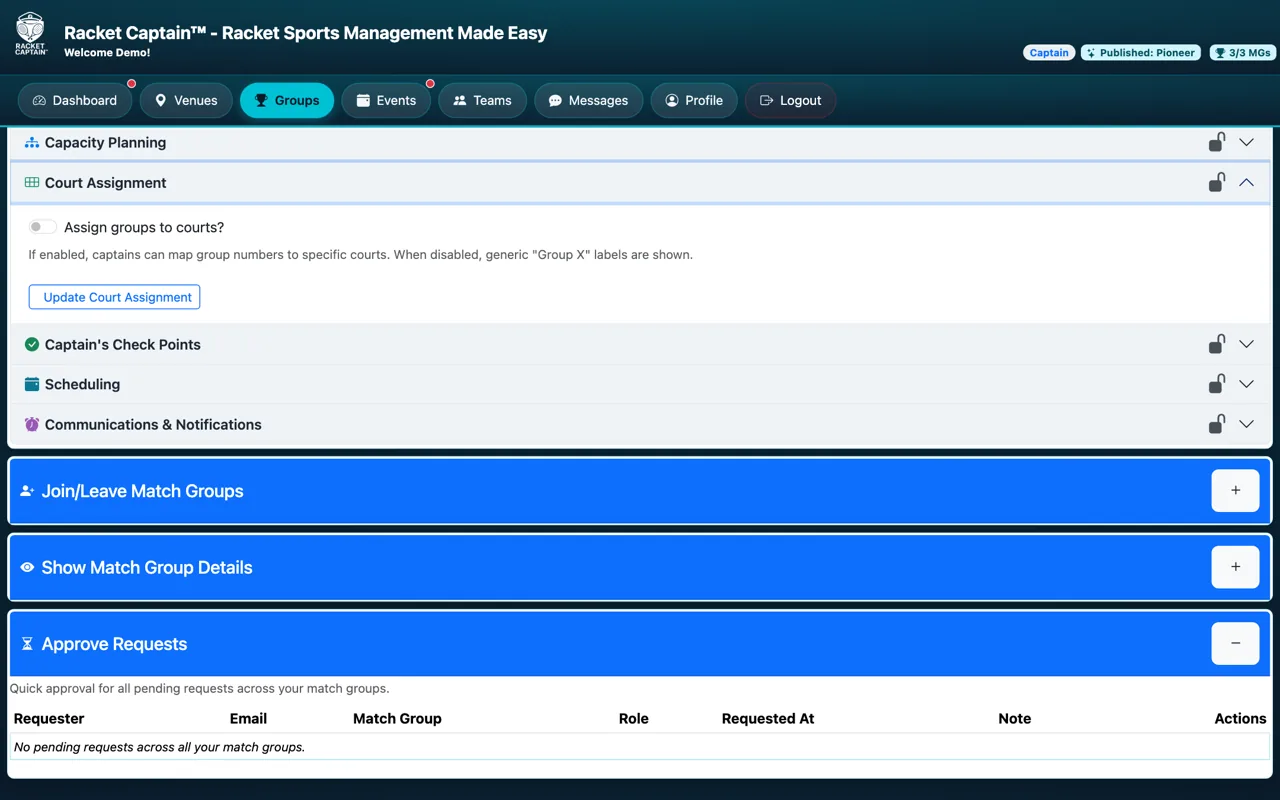
Fields in this section
| Field | What it means |
|---|---|
| Assign groups to courts? | On: you map each group to a specific court. Off: players see generic Group labels. |
| Court | Pick from your venue's courts for this sport, or type a court name. |
Good to know
- This section is optional — Publish Readiness shows it as Optional.
- To change it after publishing, pause the series first.
