Start from the Library or New
Copy a proven format template — or start a blank group.
Open this in the app →-
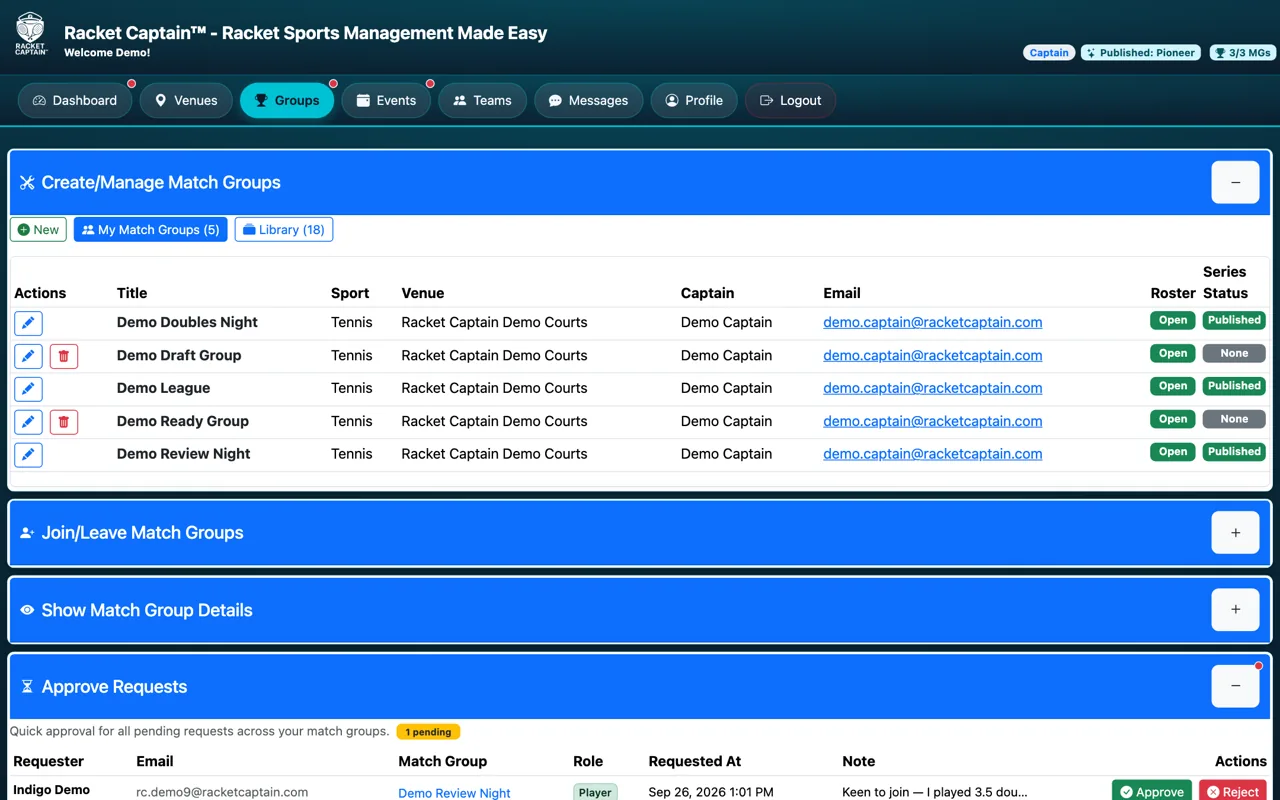
Step 1. Open Create/Manage Match Groups. You'll see three buttons: New, My Match Groups and Library.
-
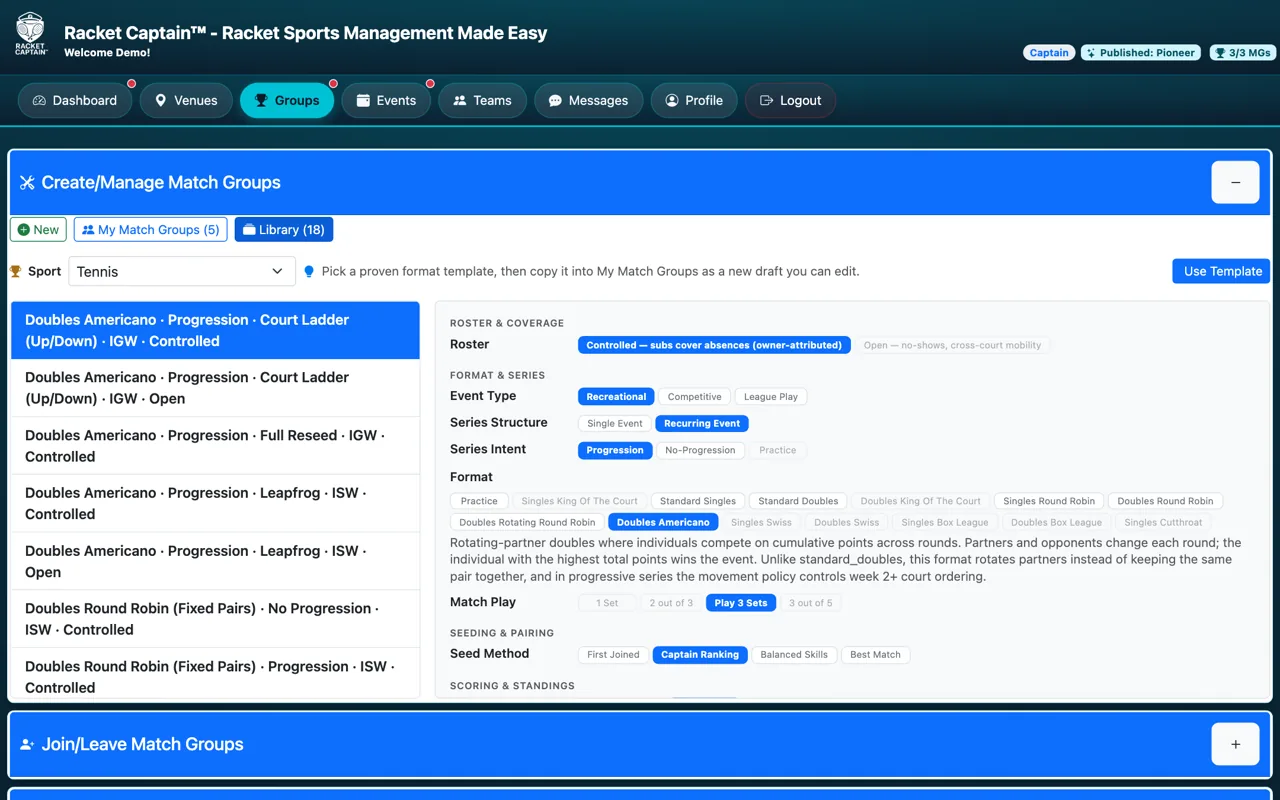
Step 2. Tap Library. Pick your Sport, then browse the templates on the left — the right side shows each one's settings.
-
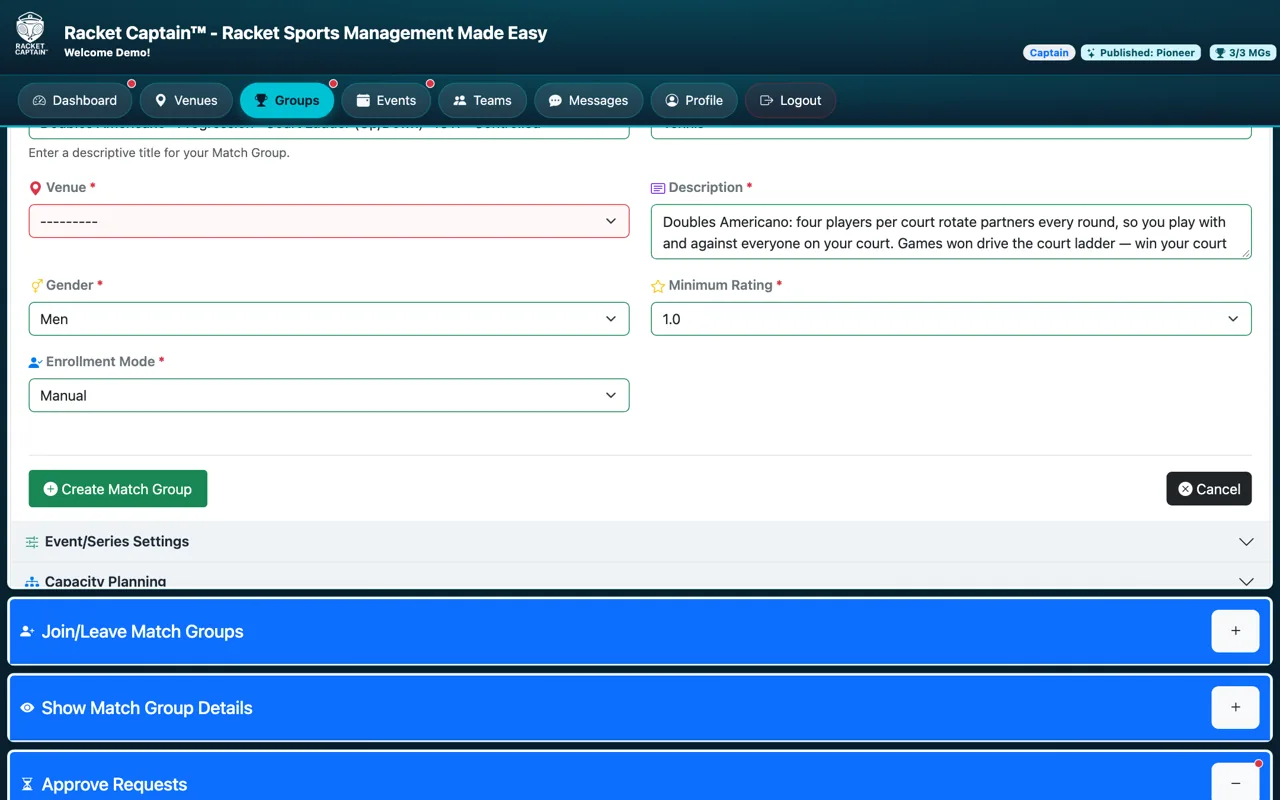
Step 3. Tap Use Template. A new setup page opens already filled in with that format's settings — you add the venue, schedule and your own details.
Fields in this section
| Field | What it means |
|---|---|
| New | A blank setup page — you choose every setting yourself. |
| Library | Proven format templates. Pick a proven format template, then copy it into My Match Groups as a new draft you can edit. |
| Sport filter | Shows the templates for one sport. It starts on your main sport. |
| Use Template | Copies the template into a new draft: you're the captain, you pick the venue, and the schedule starts blank. |
Good to know
- Templates are the fastest way to a well-set-up group — you can still change anything before you publish.
- The template itself never changes; you always get your own copy.
- No template for your sport yet? Start with New.
