What happens after you recommend a venue
Your venue works right away — here's what Pending and Verified mean for you and your players.
Open this in the app →-
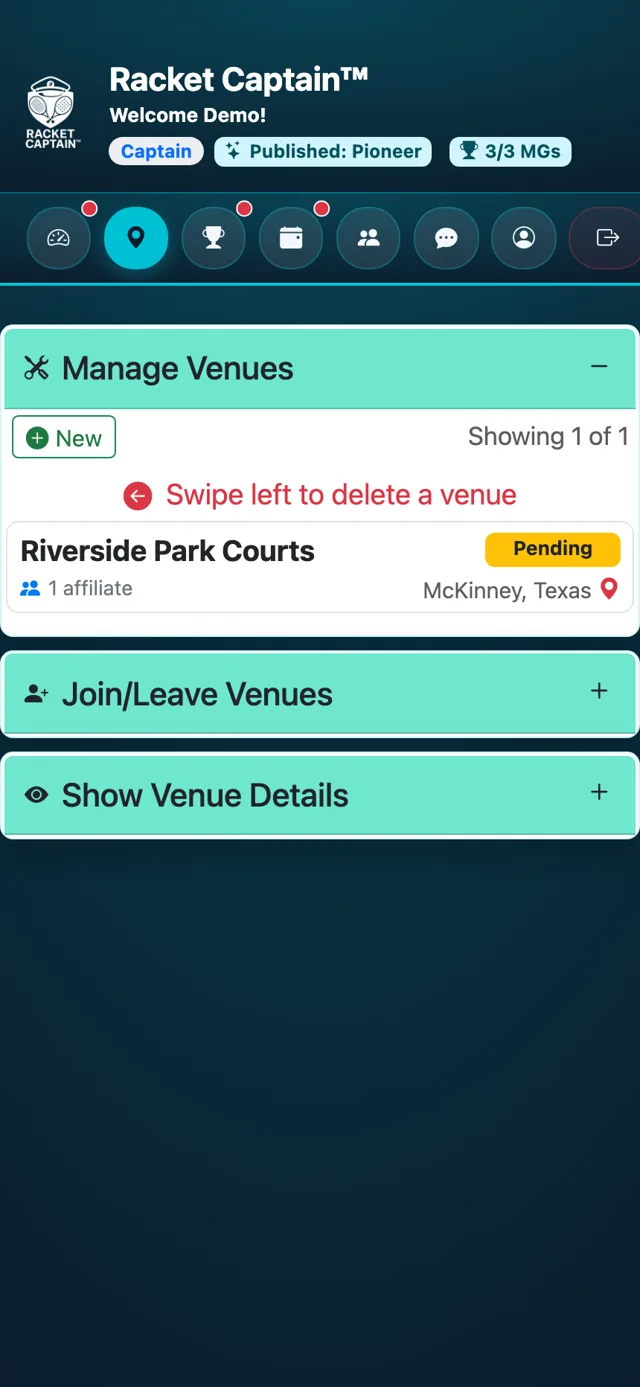
Step 1. In Manage Venues, your new venue shows a Pending badge: it's waiting for Racket Captain to verify it.
-
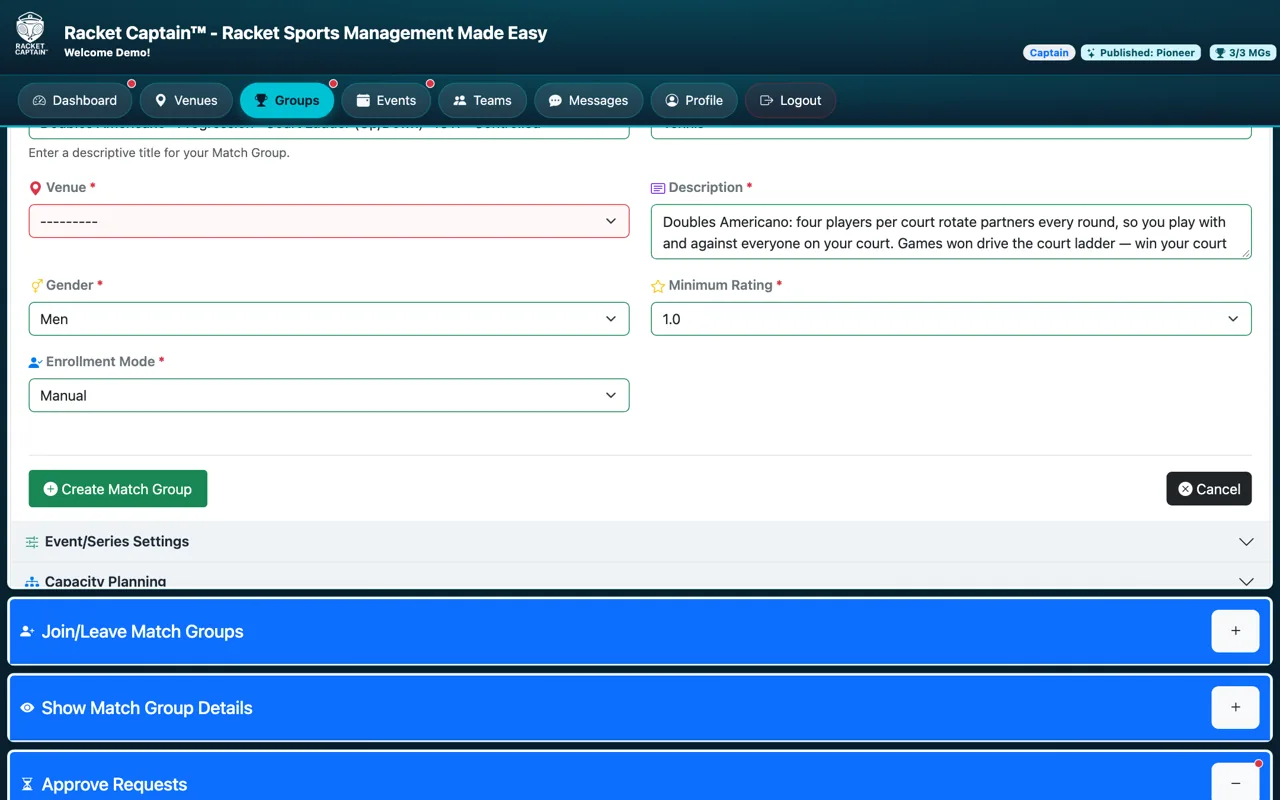
Step 2. Carry on while you wait: every captain and player feature works at a pending venue. Create your Match Group there and invite your players.
-
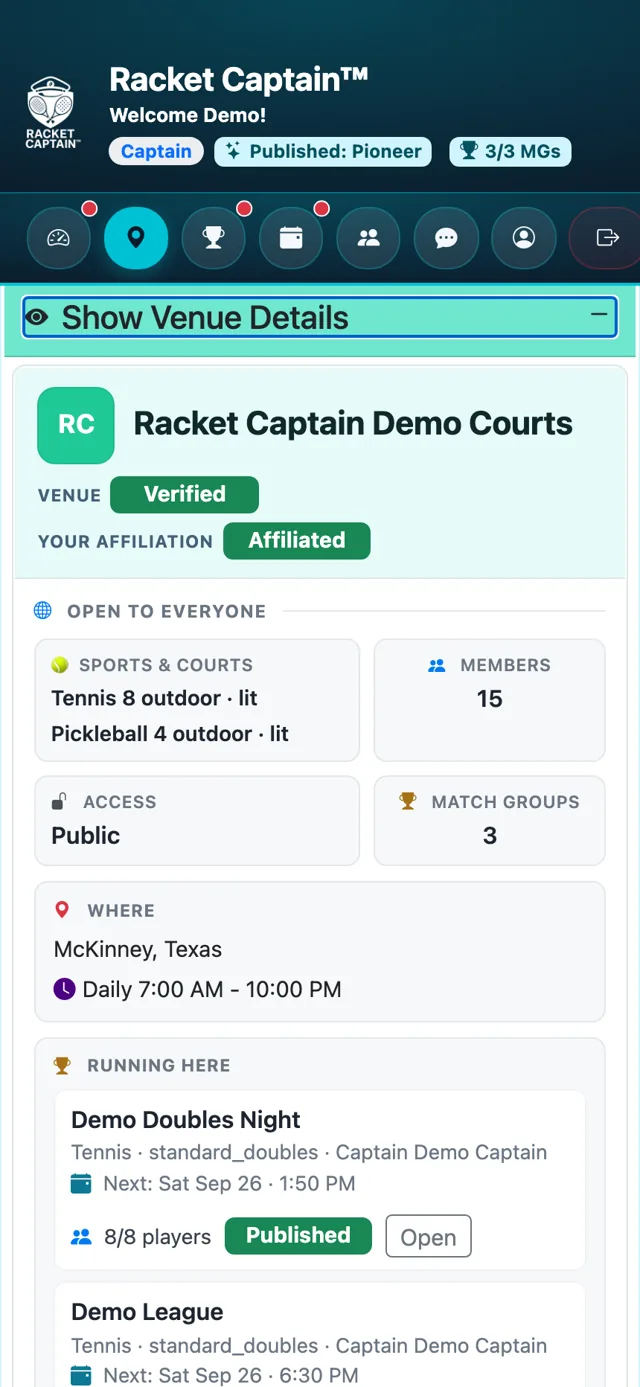
Step 3. Racket Captain checks the details. When it's done, the venue shows Verified, and the venue's Verified Representative looks after its profile.
-
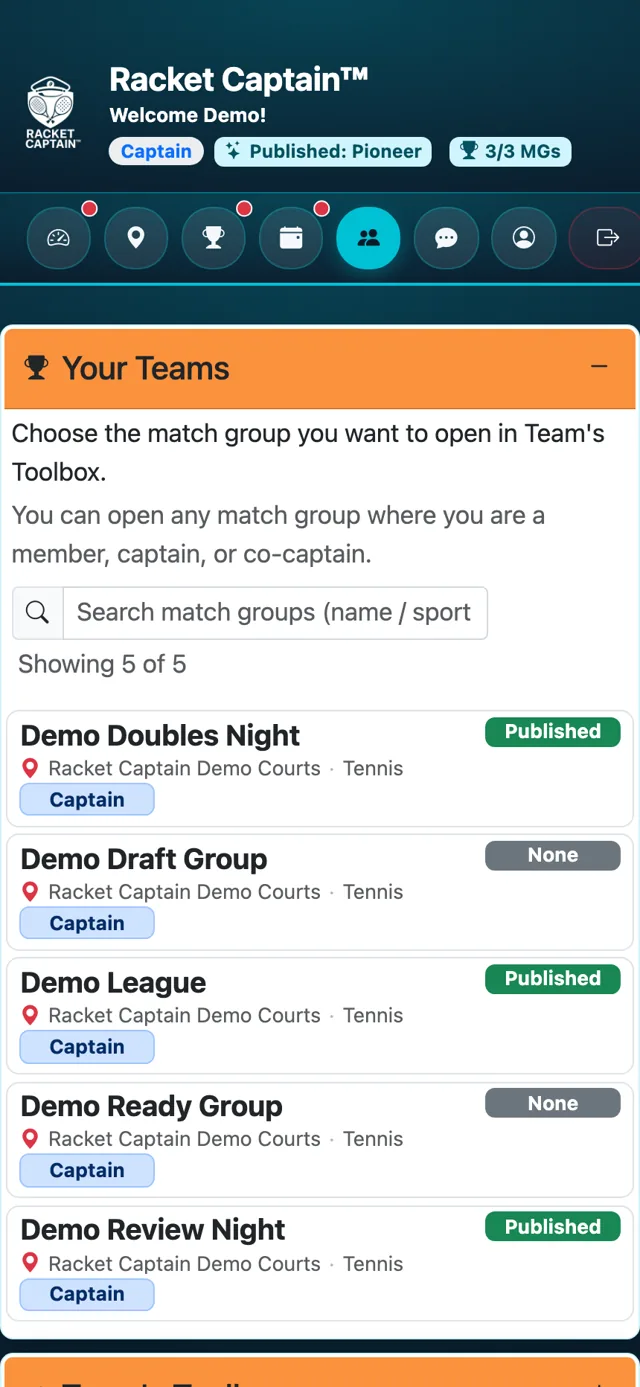
Step 4. Nothing changes for your groups — you keep captaining there. You can edit the venue's details while it's pending, but not after it's verified.
Good to know
- You're not the venue's owner — as the proposer you hold it in custody until its legal representative is identified and verified. Your proposal is what lets every captain and player use it in the meantime.
- Details you add while the venue is pending may be replaced with verified information.
- Players see the Verified badge in the venue's details.
- Venues are permanent — once added, a venue stays in Racket Captain for everyone who plays there.
