Review and lock the lineup
Take a moment here — this choice shapes every event in your series.
Check the courts and players, then lock them so everyone sees where they play.
Open this in the app →-
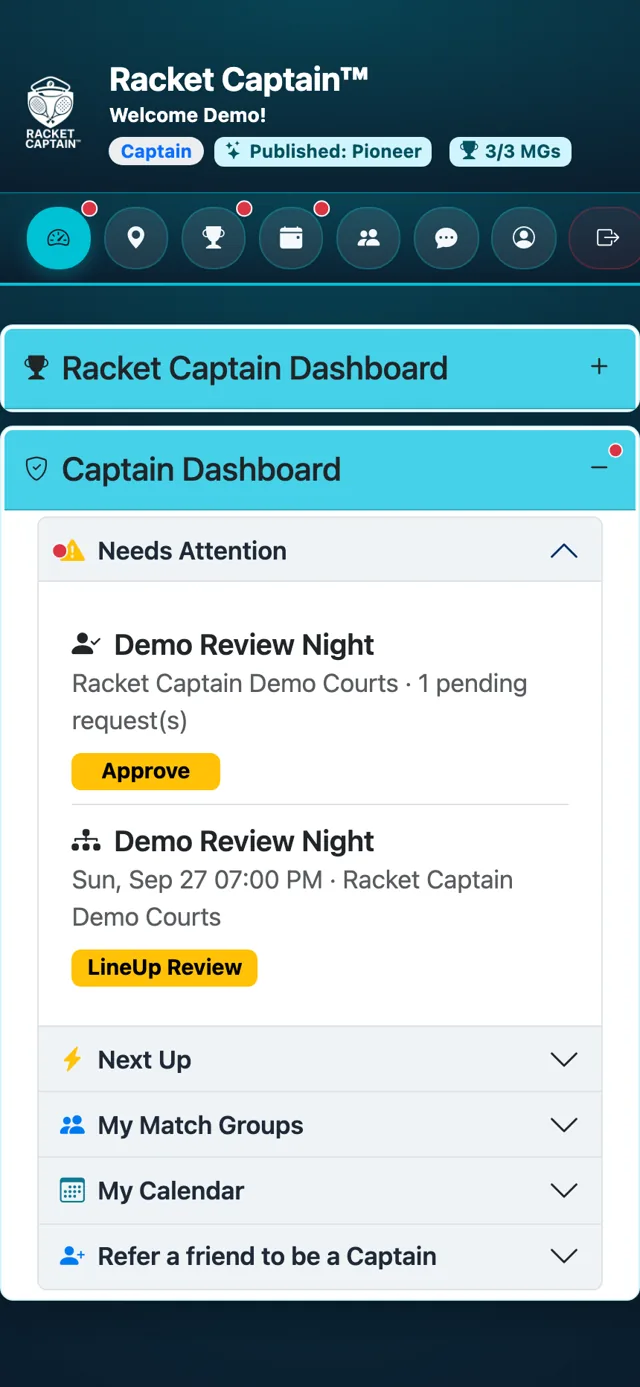
Step 1. When RSVPs close, Needs Attention shows LineUp Review. Tap it to open Event Assignments - Review.
-
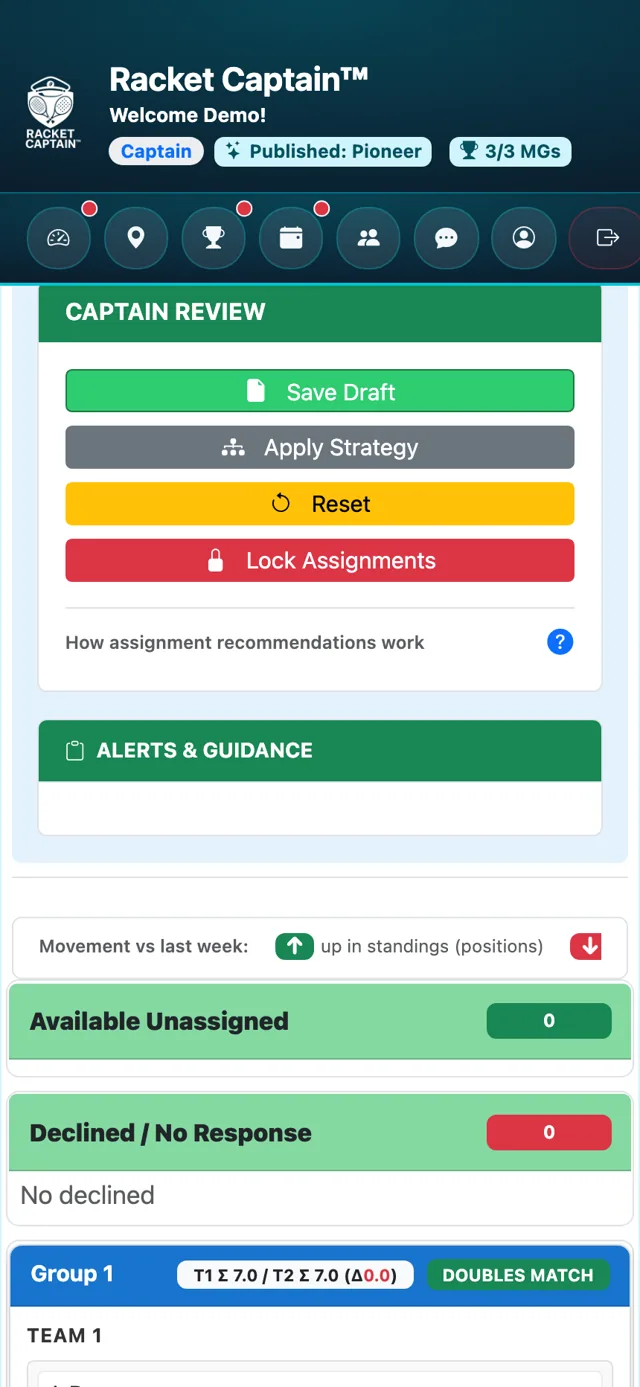
Step 2. Check the courts. You can Save Draft, Reset, and in week 1 Apply Strategy to preview a lineup. When you're happy, tap Lock Assignments.
-
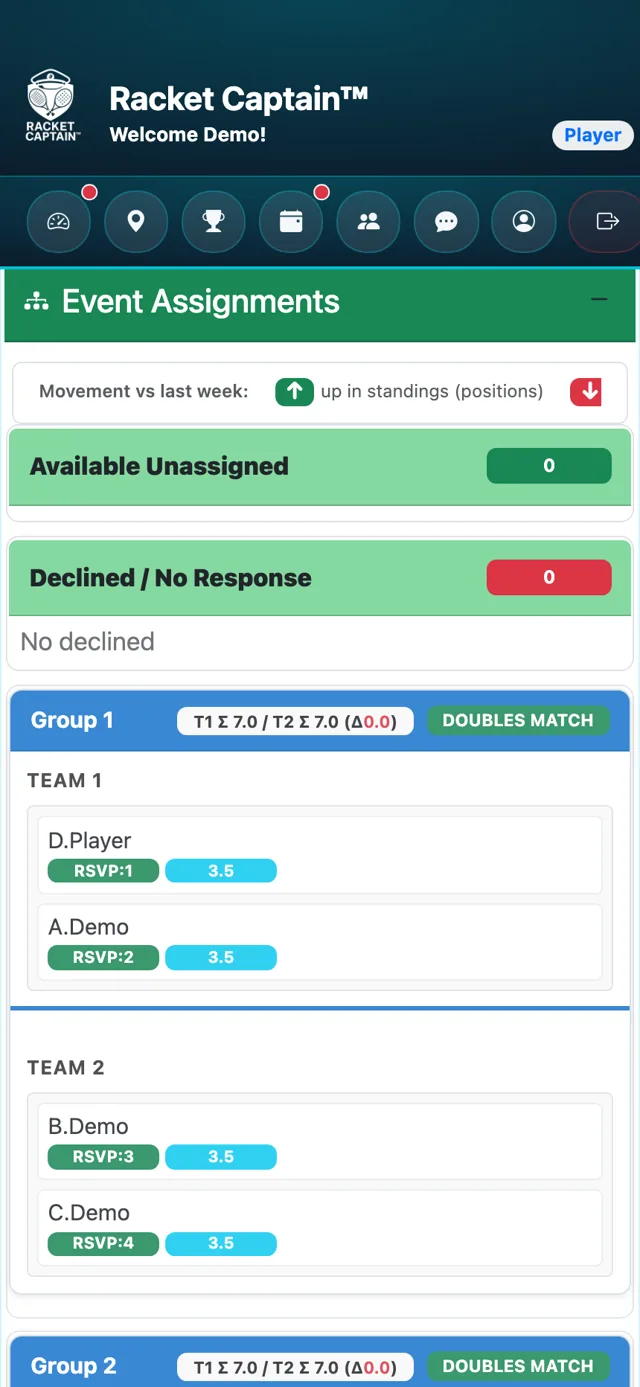
Step 3. Players are told their court and matchup. Locked is final — it can't be unlocked.
Fields in this section
| Field | What it means |
|---|---|
| Save Draft | Keeps your changes without locking. |
| Apply Strategy | Week 1 only: previews a lineup from your group's settings. |
| Lock Assignments | Finalizes the lineup — this cannot be undone. |
| Minimum Players Not Met | Too few players are in — the button becomes Cancel Event. |
Good to know
- During review you can drag a player out to Declined / No Response, or back in — their RSVP shows it was changed by the captain.
- Don't want to review each week? Turn off Captain must manually approve assignments in Captain's Check Points — the lineup then locks automatically when RSVPs close.
