Standings: your view and your players'
See the full standings — and choose whether your players see them too.
Open this in the app →-
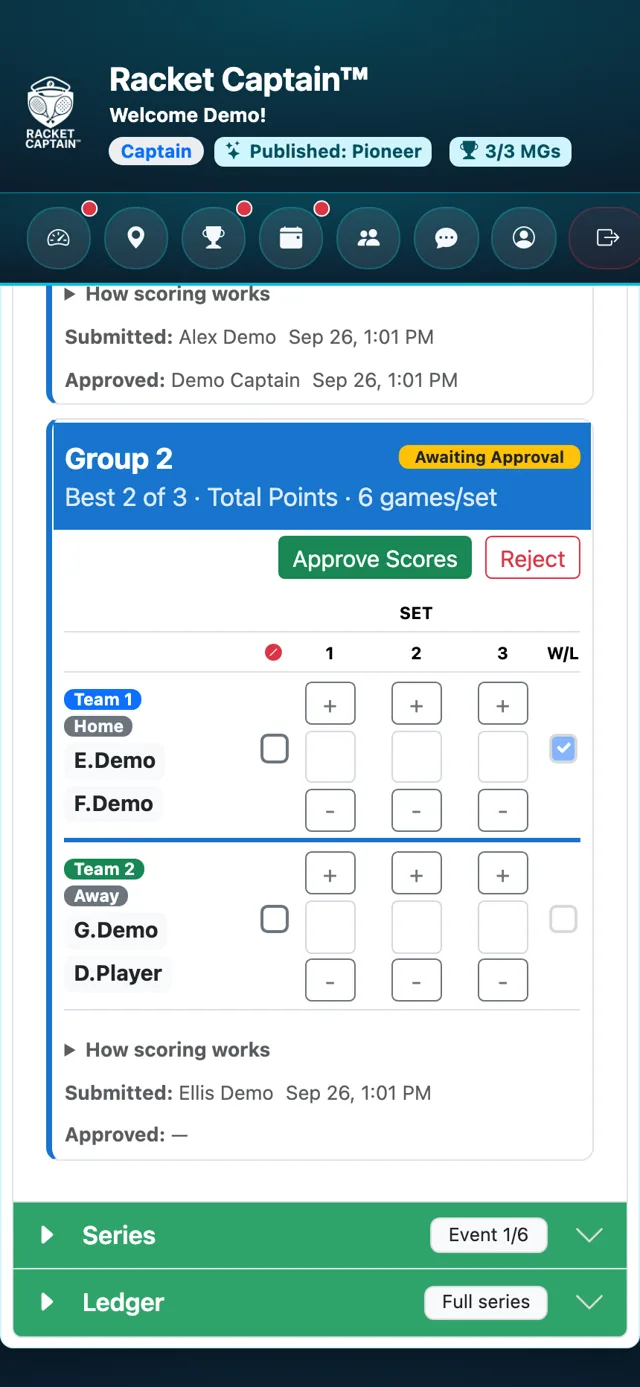
Step 1. Open Results & Standings and its Series section. If you've hidden the standings from your players, the sections they can't see are marked Captains only.
-
Step 2. To show the series table to players, tick Show Series Standings to players in Event/Series Settings.
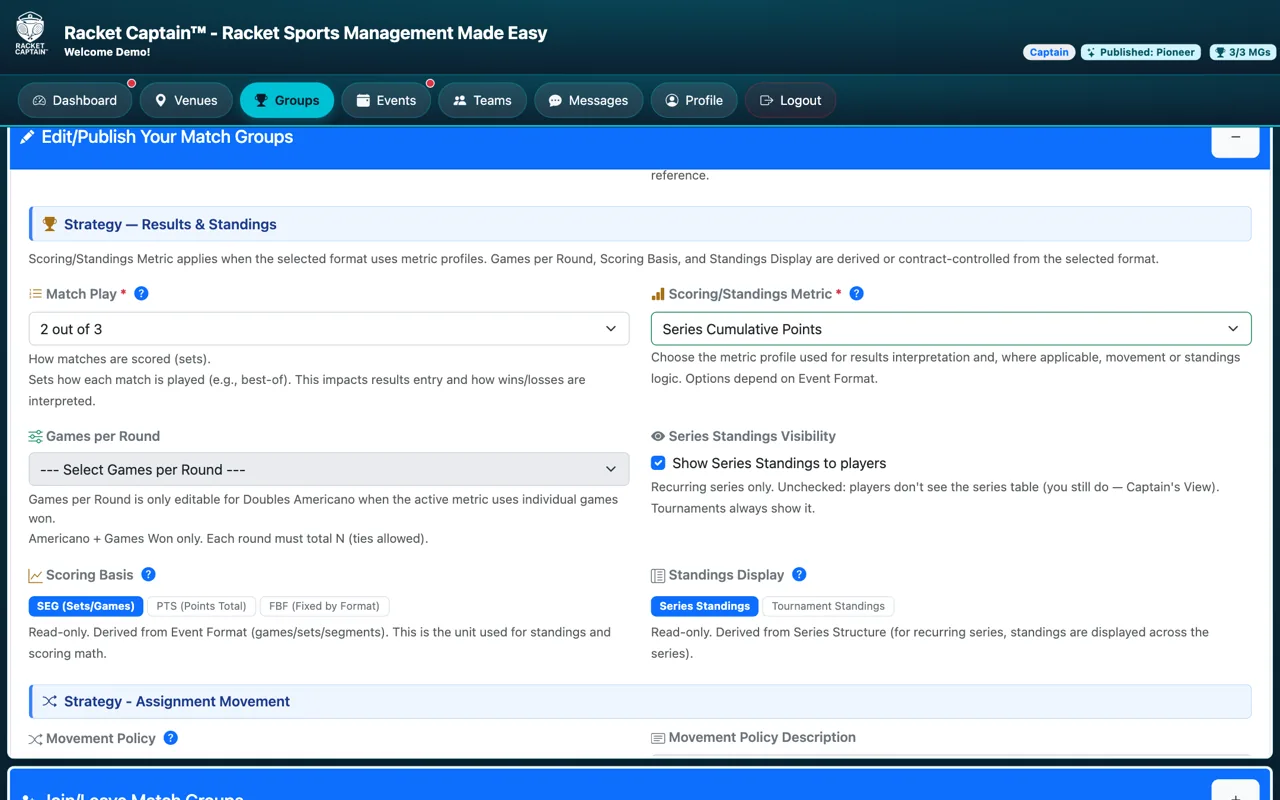
Fields in this section
| Field | What it means |
|---|---|
| Captains only | You see this section; your players don't. |
| Show Series Standings to players | Recurring series only. Unchecked, players don't see the series table. Tournaments always show it. |
Good to know
- Standings come from approved results — approve each event to keep them current.
