Add a venue that isn't listed
Your courts aren't in Racket Captain yet? Put them on the map — and be the one who gets them playing.
Open this in the app →-
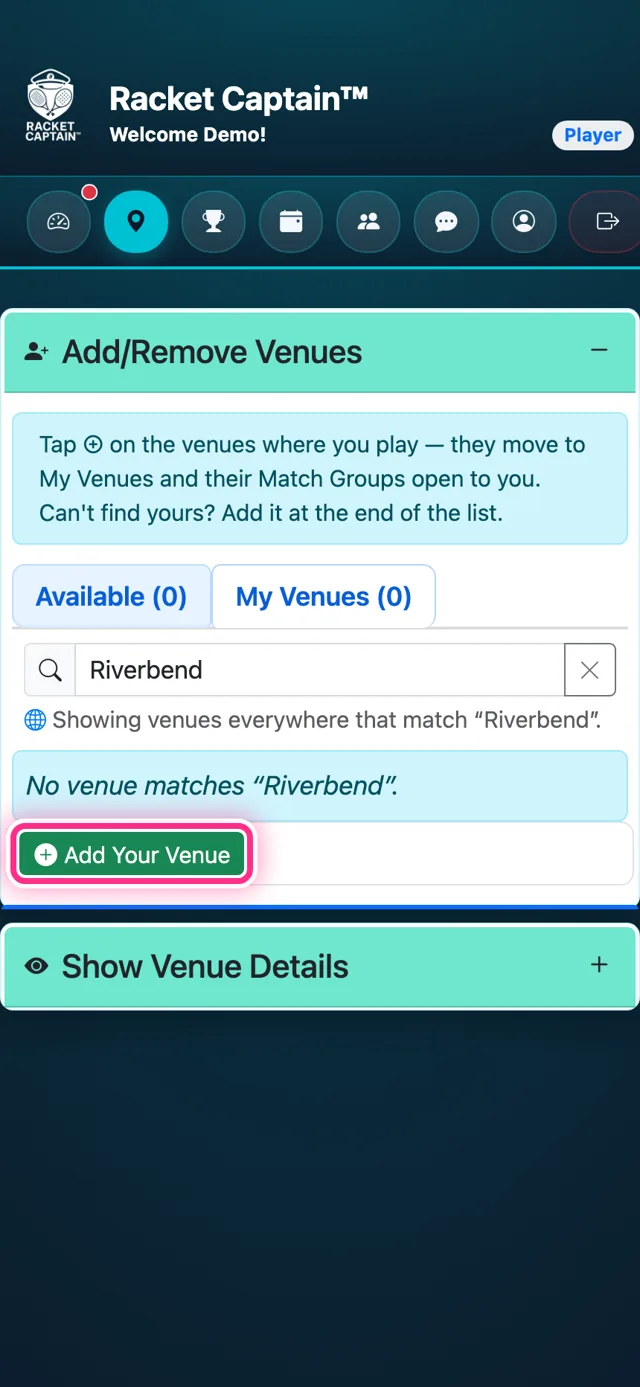
Step 1. In Add/Remove Venues, search for your courts. Not there? Tap Add Your Venue — always the last row of the list.
-
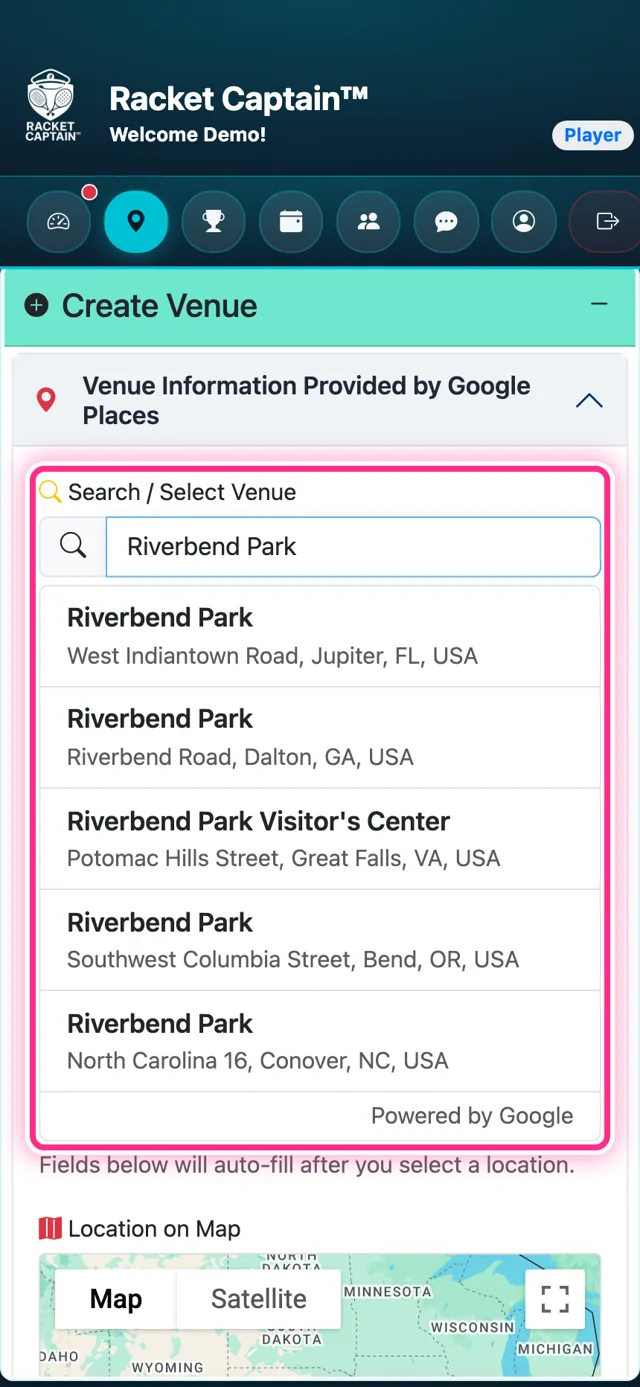
Step 2. Search Google for your courts under Search / Select Venue — the name, address and map fill in by themselves. Add the sports played there, then tap Save Venue.
-
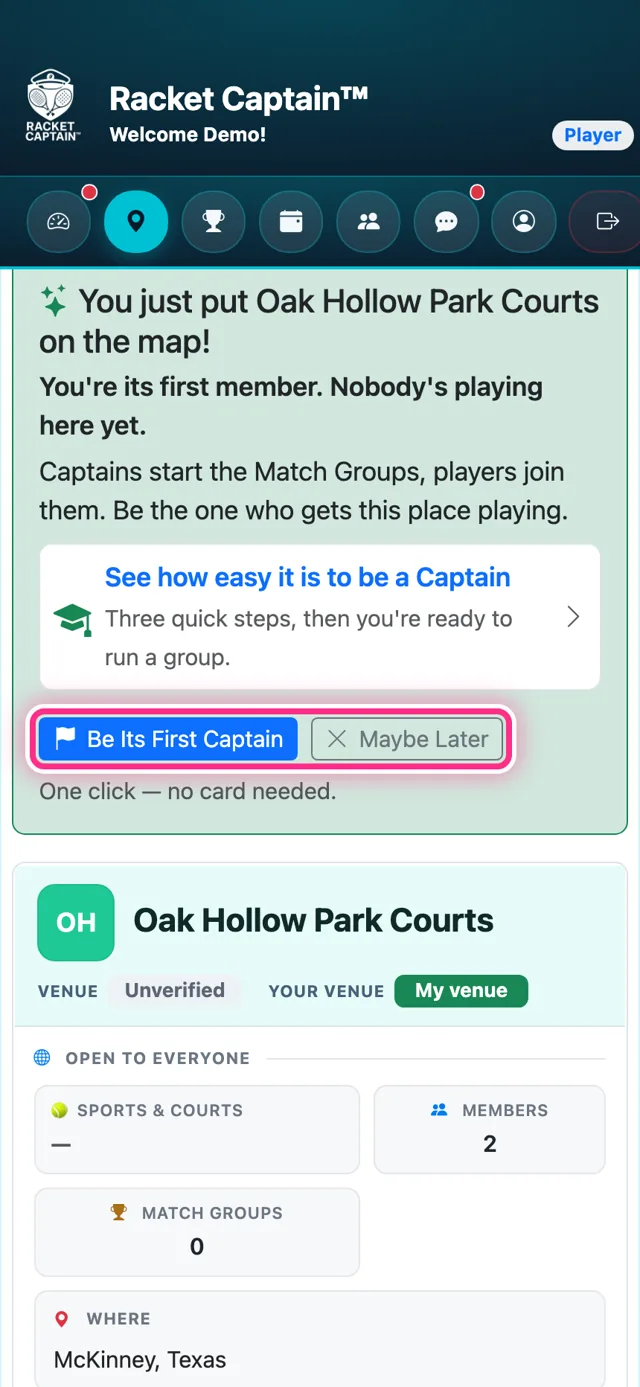
Step 3. Done: the screen says you just put your venue on the map. You're its first member. Want to get people playing there? Tap Be Its First Captain — or Maybe Later.
Good to know
- In the app, the button reads Email Me My Captain Link — the link opens the Captain sign-up in your browser.
- Changed your mind later? Every venue's details show Be the first Captain here until someone starts a group.
- Adding a venue doesn't make you its representative — it stays in Racket Captain's care until its Verified Representative is confirmed. Everyone can use it right away.
- Search first: one venue should have one listing, even if people call it by different names.