Invite a friend
Know someone who'd like to play? Share your group's link or QR code.
Open this in the app →-
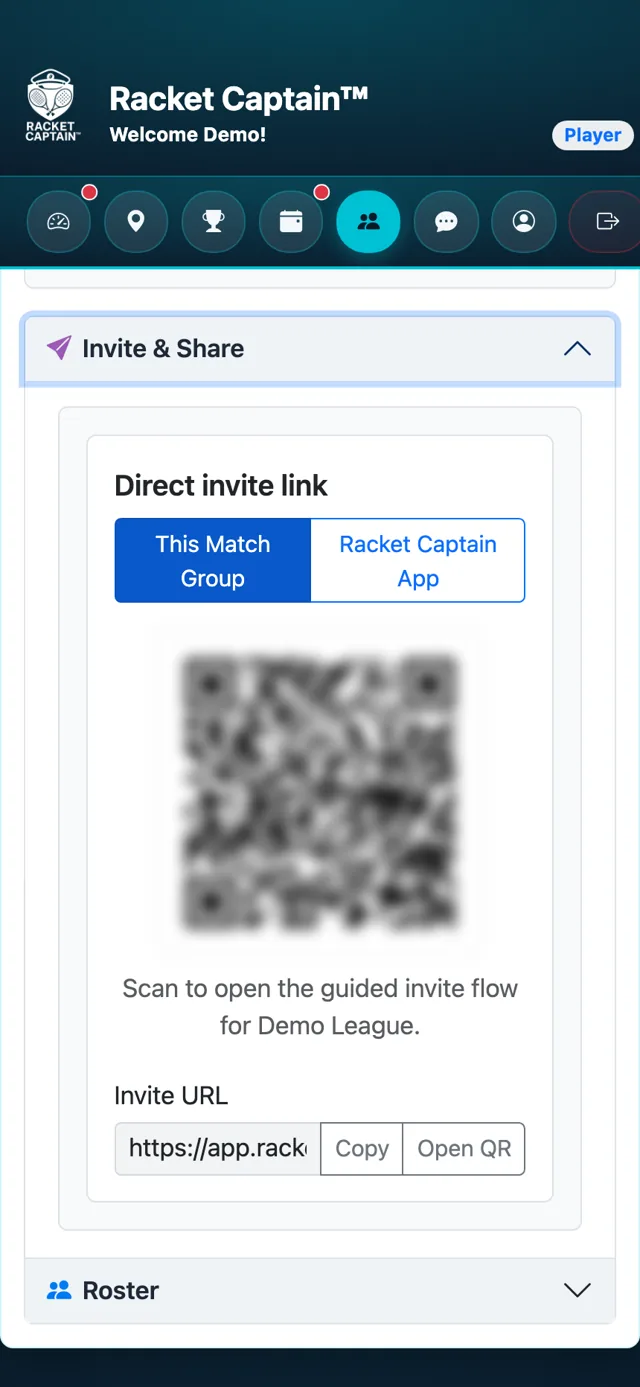
Step 1. On your team's page, open Invite & Share. Choose This Match Group to invite them to your group, or Racket Captain App to send the download link.
-
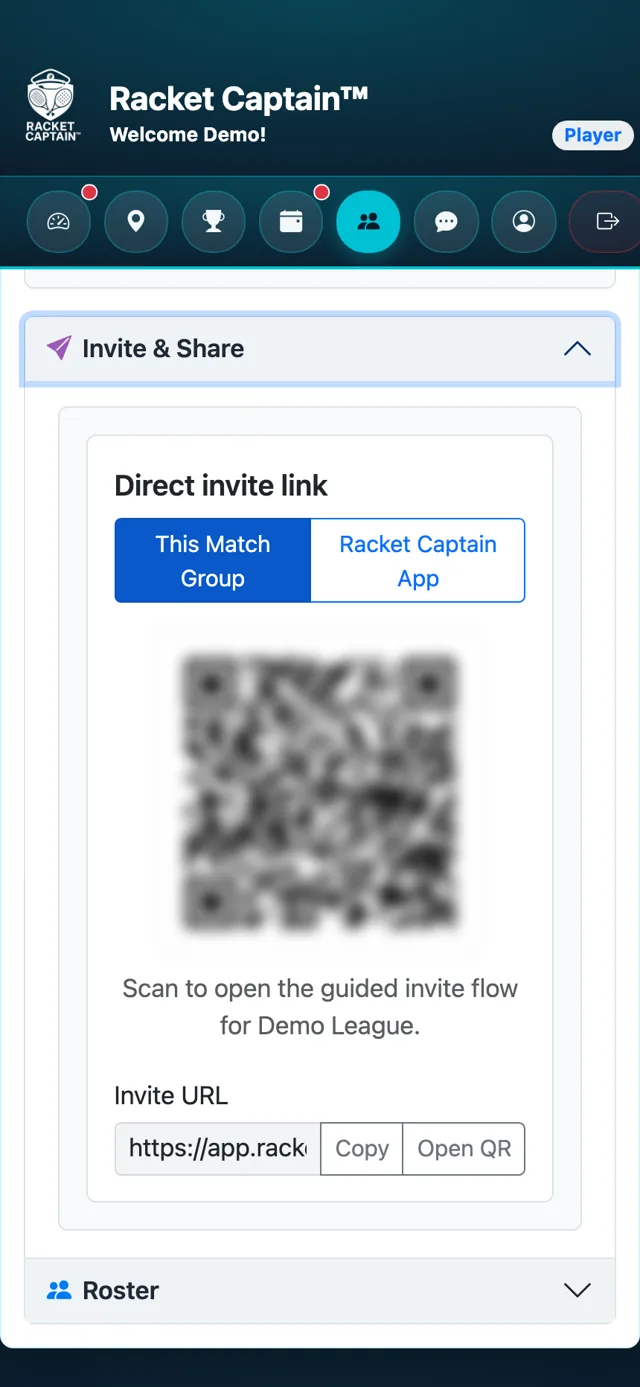
Step 2. Tap Copy to copy the link, Open QR so they can scan it, or Share invite to send it from your phone.
Fields in this section
| Field | What it means |
|---|---|
| This Match Group | Your friend lands on your group, ready to join. |
| Racket Captain App | Your friend gets the app download first. |
Good to know
- If your group approves new members, your captain will see their request before they're in.
